
BLE_CTF
刚好有一块esp32,来玩玩看
环境部署
项目地址:
https://github.com/hackgnar/ble_ctf根据文档烧录固件(刚好有flash_download_tool就不用esptool了):

通过flash_download_tool烧录固件:
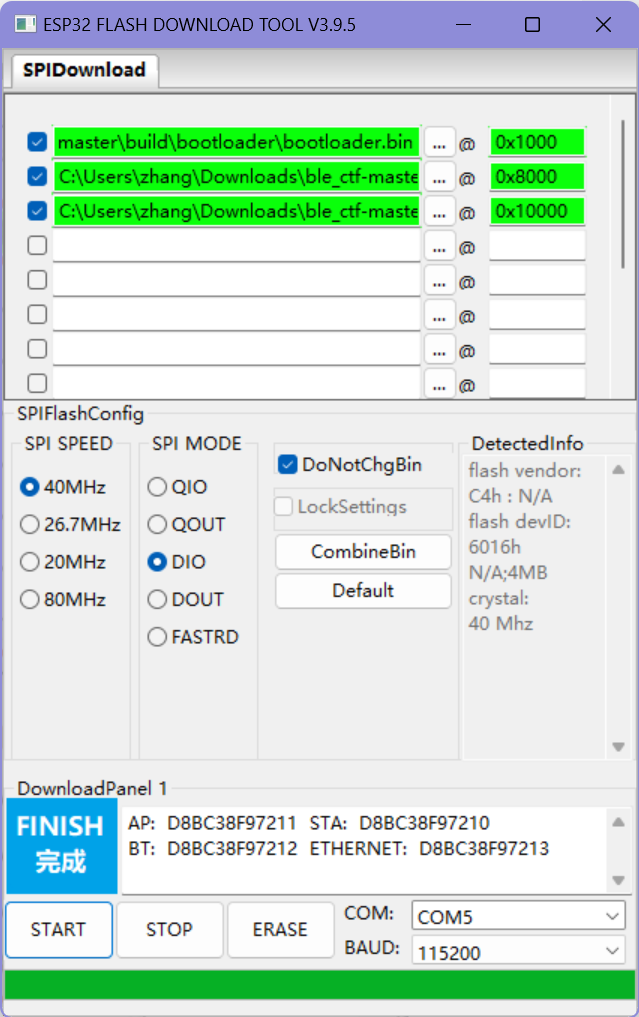
烧录完成
安装一些工具:bluetooth
sudo apt-get install bluetooth

#hciconfig:利用笔记本电脑的主机控制器接口与BLE设备进行通信和读写更改。
hciconfig #查看蓝牙设备
hciconfig hci0 up
sudo hciconfig hci0 lestates #启用hci0
开始挑战
扫描周围BLE设备==》BLECTF
bluetoothctl scan le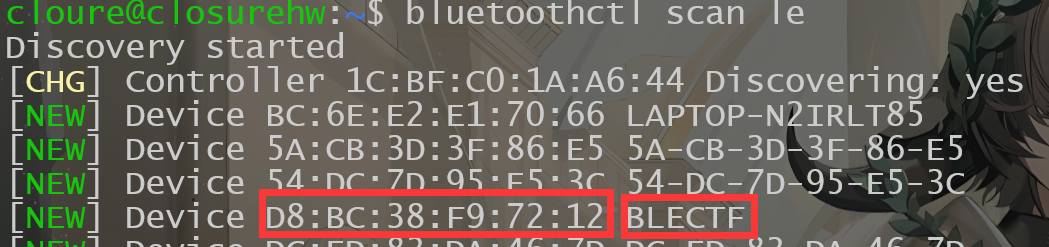
通过gatttool与蓝牙设备进行交互:
获取分数,从42句柄读取,目前是0
gatttool -b [MAC] --char-read -a 0x002a|awk -F':' '{print $2}'|tr -d ' '|xxd -r -p;printf '\n' 
提交flag=》向44句柄写入(提交)
gatttool -b [MAC] --char-write-req -a 0x002c -n $(echo -n "some flag value"|xxd -ps)开始挑战:
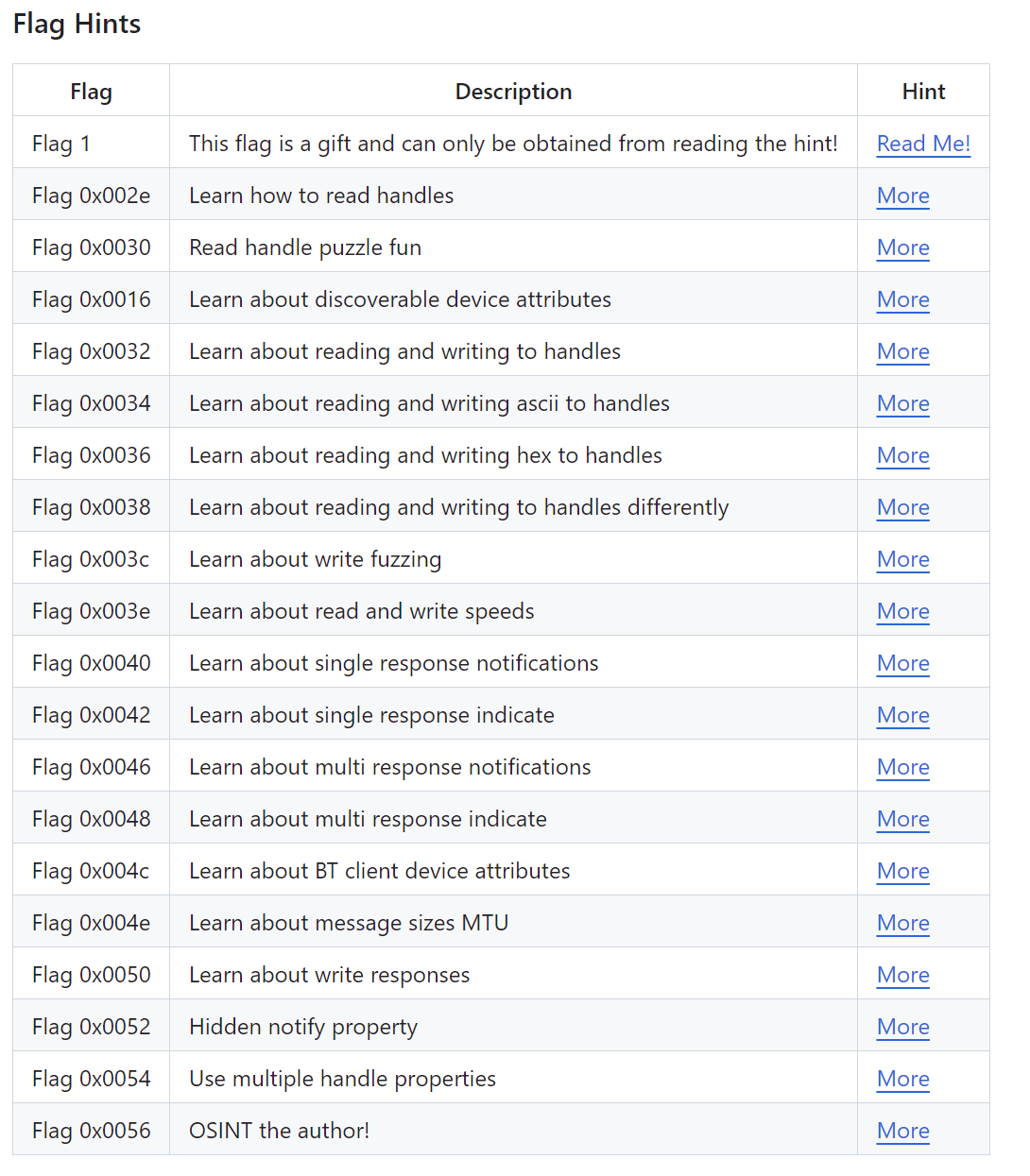
1
Flag one is a gift! You can only obtain it by reading this document or peaking at the source code. In short, this flag is to get you familiar with doing a simple write to a BLE handle. Do the following to get your first flag. Make sure you replace the MAC address in the examples below with your devices mac address!

First, check out your score:
gatttool -b de:ad:be:ef:be:f1 --char-read -a 0x002a|awk -F':' '{print $2}'|tr -d ' '|xxd -r -p;printf '\n'

Next, lets sumbmit the following flag. gatttool -b de:ad:be:ef:be:f1 --char-write-req -a 0x002c -n $(echo -n "12345678901234567890"|xxd -ps)

Finaly, check out your score again to see your flag got accepted:
gatttool -b de:ad:be:ef:be:f1 --char-read -a 0x002a|awk -F':' '{print $2}'|tr -d ' '|xxd -r -p;printf '\n'
教你怎么提交flag
gatttool -b D8:BC:38:F9:72:12 --char-write-req -a 0x002c -n $(echo -n "12345678901234567890"|xxd -ps)
0x002e
Check out the ascii value of handle 0x002e and submit it to the flag submision handle 0x002c. If you are using gatttool, make sure you convert it to hex with xxd. If you are using bleah, you can send it as a string value.查看0x002e句柄的ASCII值==》
gatttool -b D8:BC:38:F9:72:12 --char-read -a 0x002e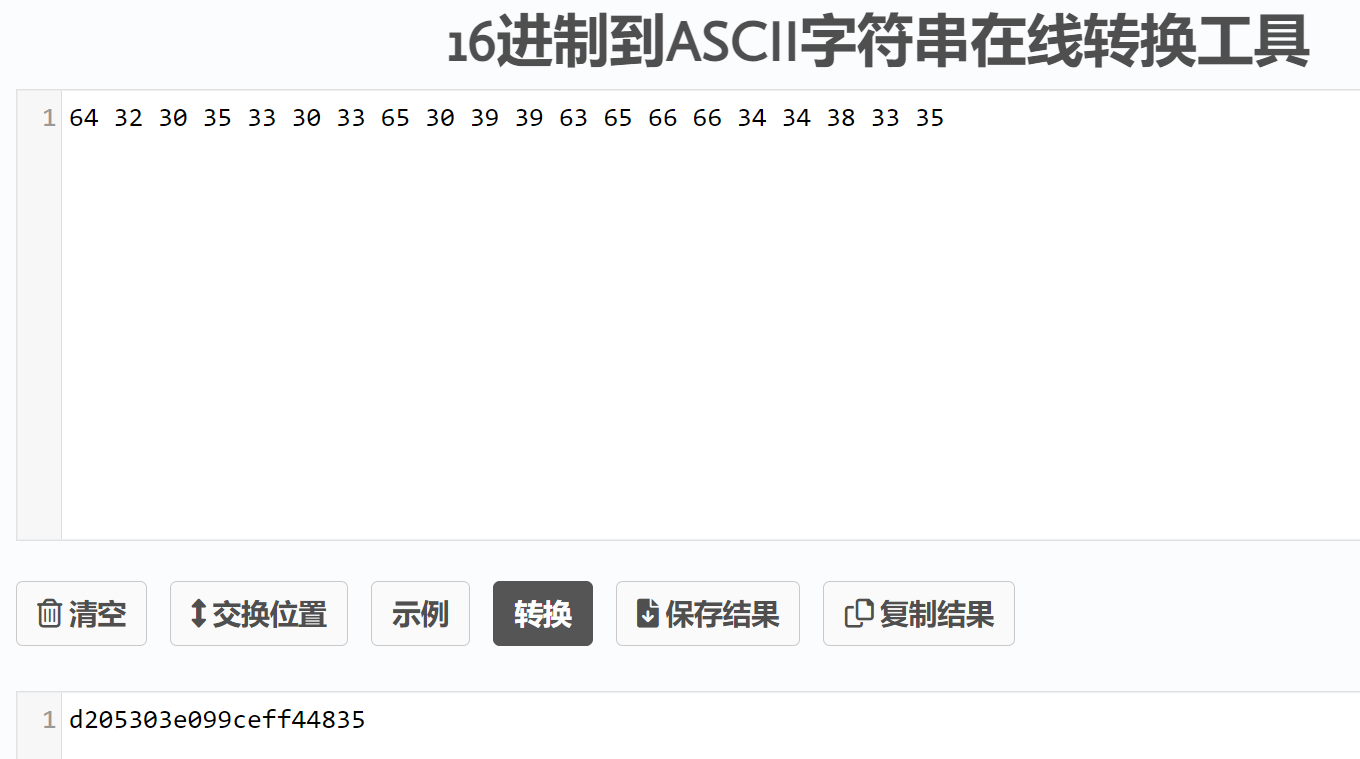
提交flag:
gatttool -b D8:BC:38:F9:72:12 --char-write-req -a 0x002c -n $(echo -n "d205303e099ceff44835"|xxd -ps)
0x0030
Check out the ascii value of handle 0x0030. Do what it tells you and submit the flag you find to 0x002c.检查0x0030句柄的ASCII:
gatttool -b D8:BC:38:F9:72:12 --char-read -a 0x0030
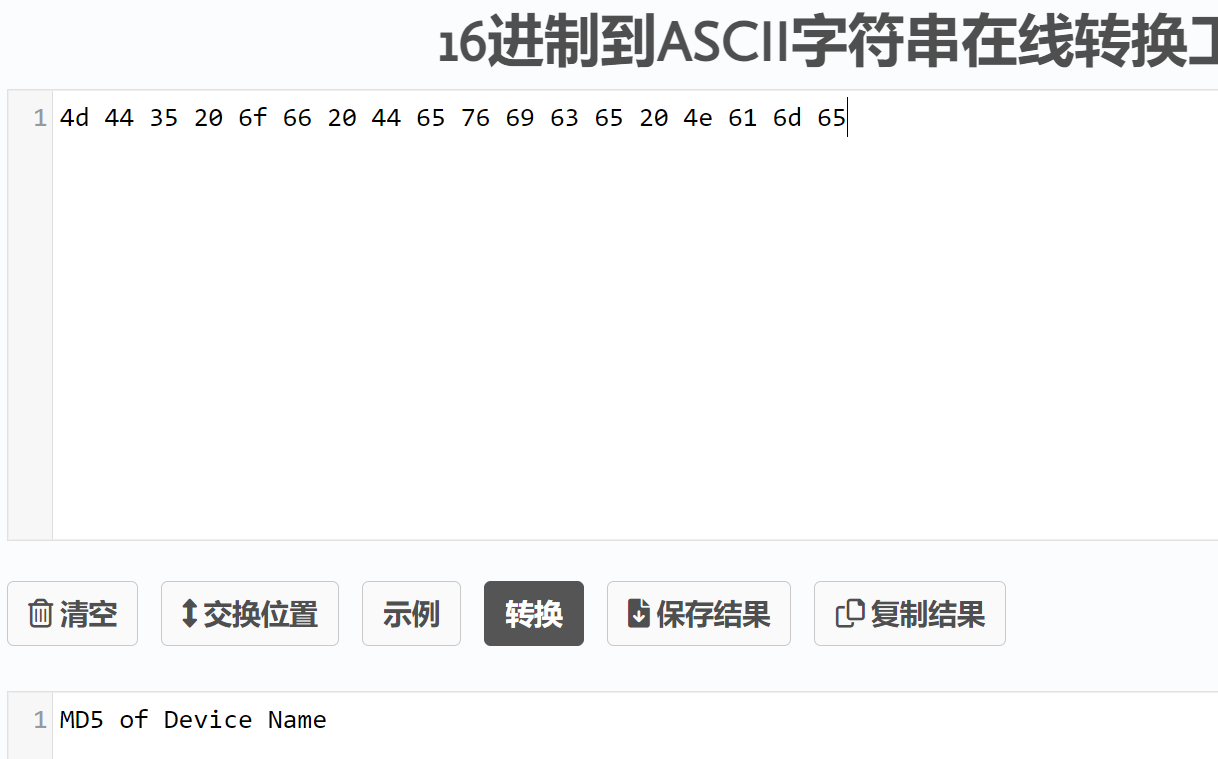
==》将设备的名称MD5,也就是BLECTF的MD5:
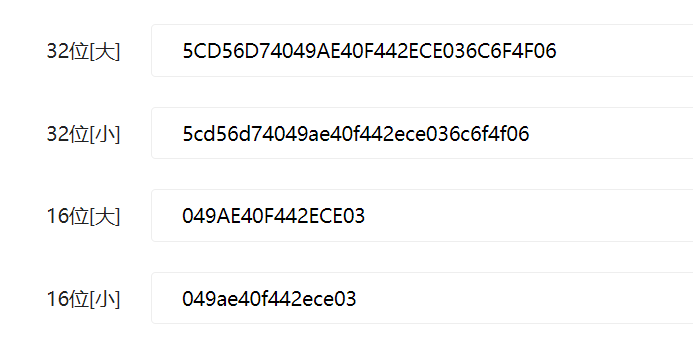
提交:
gatttool -b D8:BC:38:F9:72:12 --char-write-req -a 0x002c -n $(echo -n "5cd56d74049ae40f442ece036c6f4f06"|xxd -ps)
失败==》因为蓝牙低功耗(BLE)规范限制了一次性写入的数据长度为20个字节。如果要发送的数据长度超过了这个限制,就需要将数据分割成多个部分,每次发送不超过20个字节字节。
截取前20字节提交:
gatttool -b D8:BC:38:F9:72:12 --char-write-req -a 0x002c -n $(echo -n "5cd56d74049ae40f442e"|xxd -ps)
0x0016
Bluetooth GATT services provide some extra device attributes. Try finding the value of the Generic Access -> Device Name.依旧是读取0x0016句柄:
gatttool -b D8:BC:38:F9:72:12 --char-read -a 0x0016
==》转ASCII
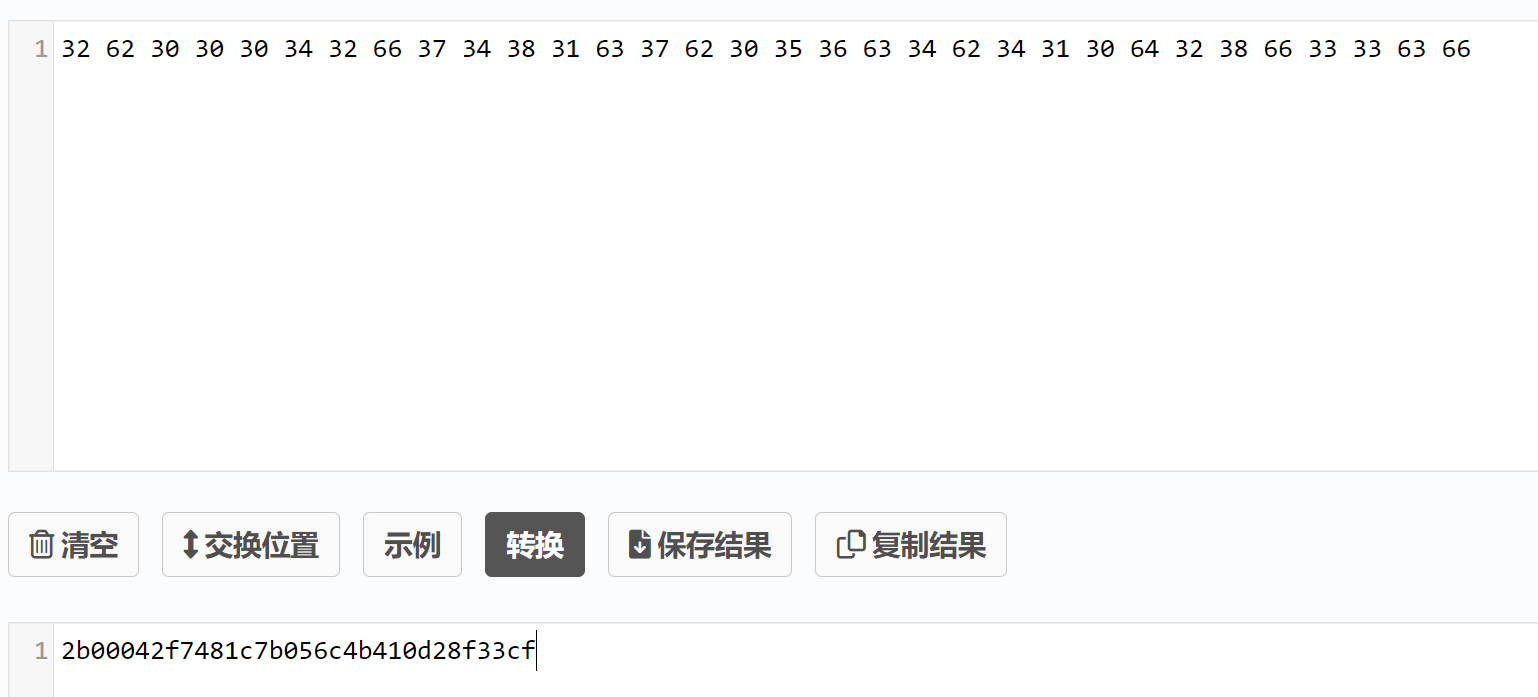
==》截取前20字节提交
gatttool -b D8:BC:38:F9:72:12 --char-write-req -a 0x002c -n $(echo -n "2b00042f7481c7b056c4"|xxd -ps)
0x0032
Read handle 0032 and do what it says. Notice that its not telling you to write to the flag handle as you have been. When you find the flag, go ahead and write it to the flag handle you have used in the past flags.读取0x0032句柄
gatttool -b D8:BC:38:F9:72:12 --char-read -a 0x0032
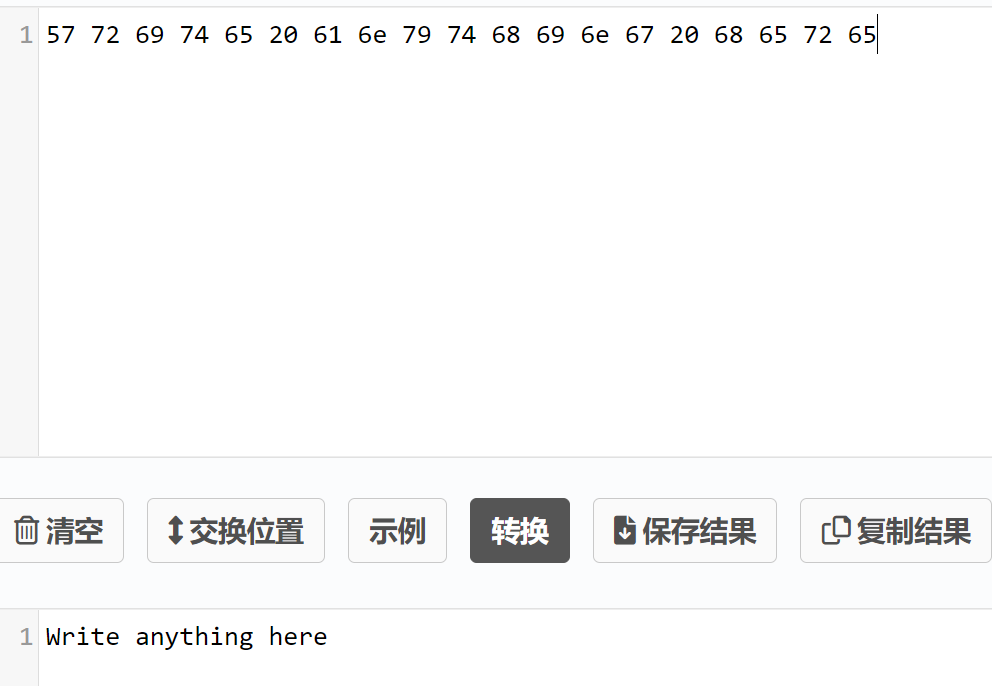
随便写点什么==》写个Closure(注意是往0x0032句柄里写)
gatttool -b D8:BC:38:F9:72:12 --char-write-req -a 0x0032 -n $(echo -n "Closure"|xxd -ps)
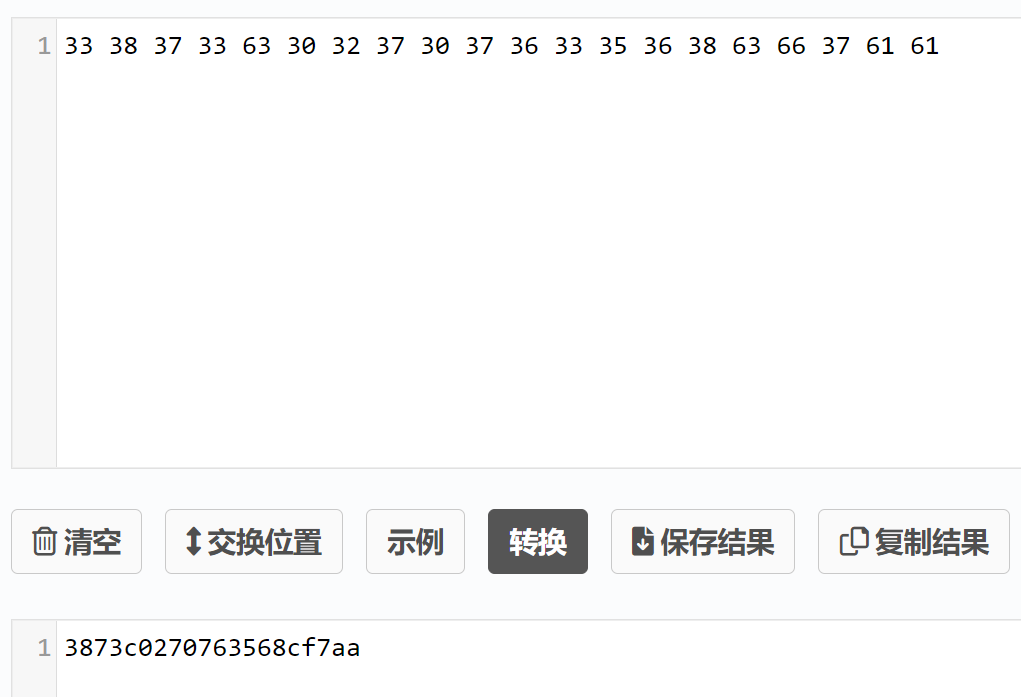
提交flag:
gatttool -b D8:BC:38:F9:72:12 --char-write-req -a 0x002c -n $(echo -n "3873c0270763568cf7aa"|xxd -ps)
0x0034
Follow the instructions found from reading handle 0x0034. Keep in mind that some tools only write hex values while other provide methods for writing either hex or ascii读取0x0034句柄:
gatttool -b D8:BC:38:F9:72:12 --char-read -a 0x0034
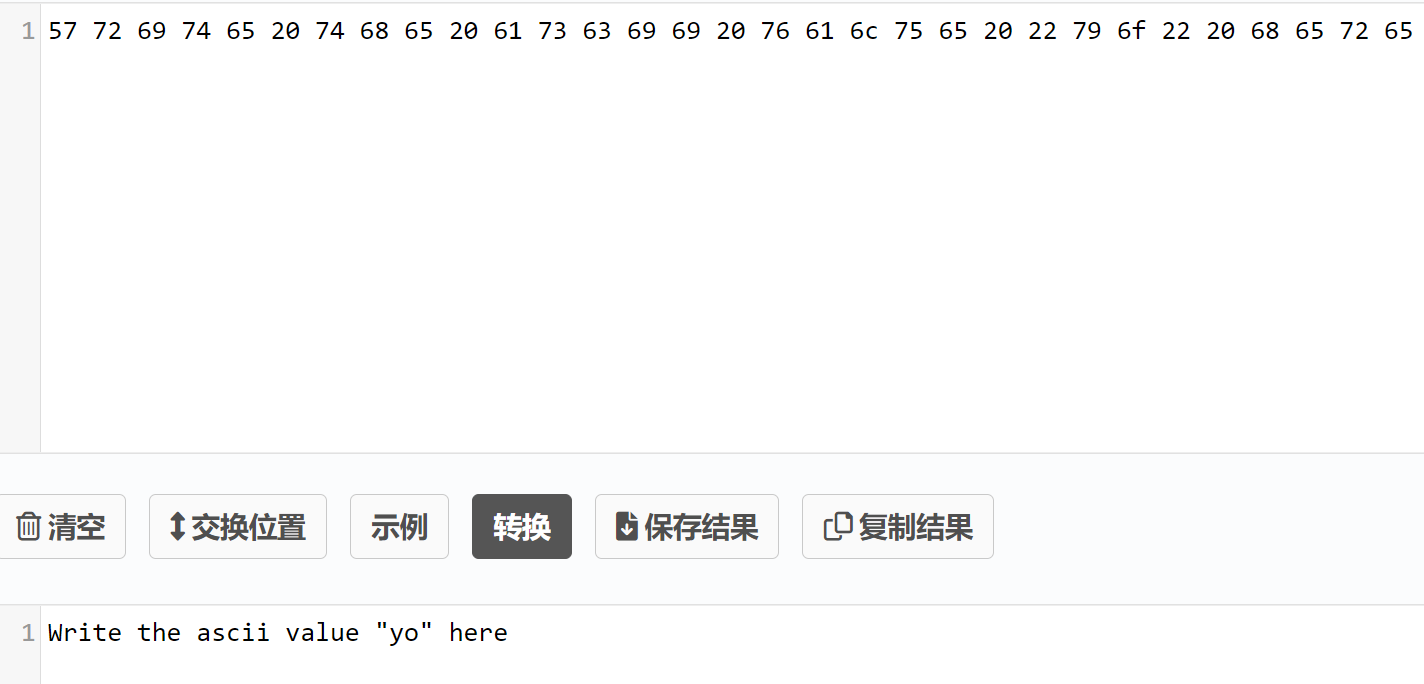
需要写入yo的ASCII值到0x0034句柄==》
gatttool -b D8:BC:38:F9:72:12 --char-write-req -a 0x0034 -n $(echo -n "yo"|xxd -ps)
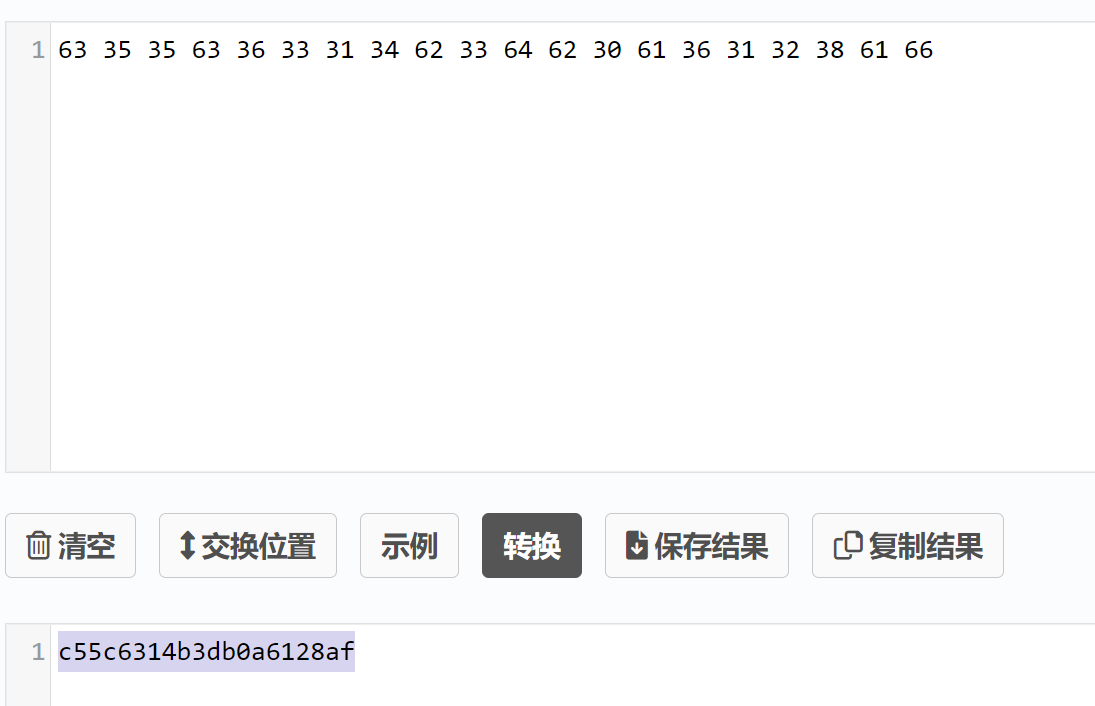
提交flag:
gatttool -b D8:BC:38:F9:72:12 --char-write-req -a 0x002c -n $(echo -n "c55c6314b3db0a6128af"|xxd -ps)
0x0036
Follow the instructions found from reading handle 0x0036. Keep in mind that some tools only write hex values while other provide methods for writing either hex or ascii读取0x0036句柄:
gatttool -b D8:BC:38:F9:72:12 --char-read -a 0x0036
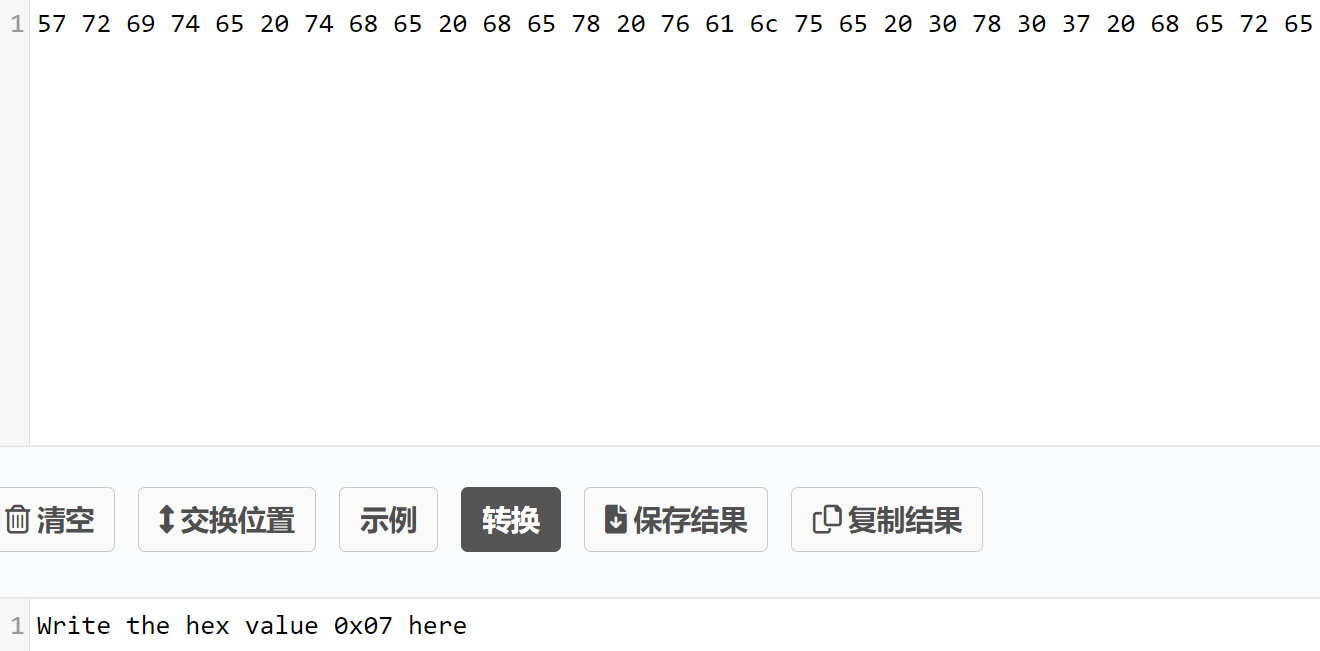
写入一个0x07==》
gatttool -b D8:BC:38:F9:72:12 --char-write-req -a 0x002c -n 07
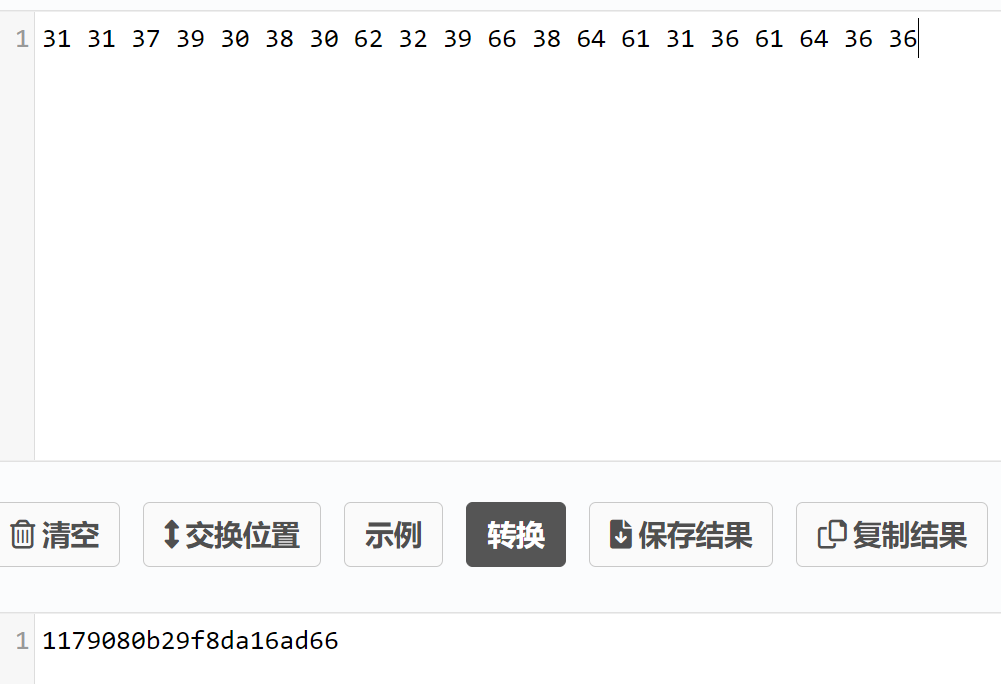
提交一下flag:
gatttool -b D8:BC:38:F9:72:12 --char-write-req -a 0x002c -n $(echo -n "1179080b29f8da16ad66"|xxd -ps)
0x0038
Follow the instructions found from reading handle 0x0038. Pay attention to handles here. Keep in mind handles can be refrenced by integer or hex. Most tools such as gatttool and bleah allow you to specify handles both ways.读取0x0038句柄:
gatttool -b D8:BC:38:F9:72:12 --char-read -a 0x0038
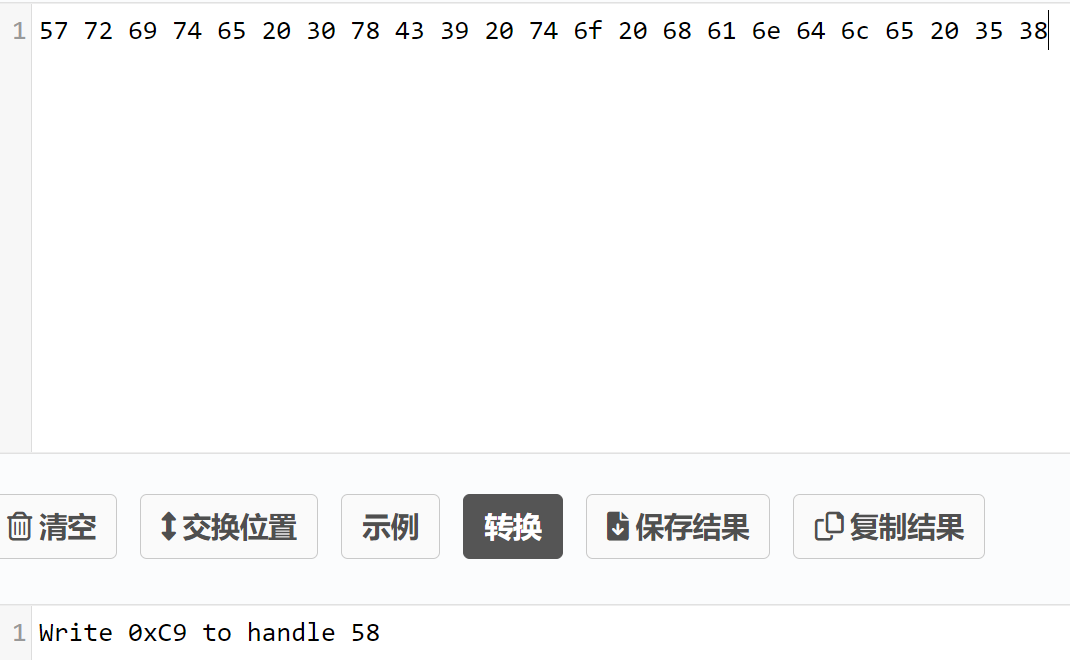
将0xc9写入58句柄里==》其实就是说十六进制和十进制都可以表示句柄吧
gatttool -b D8:BC:38:F9:72:12 --char-write-req -a 58 -n c9
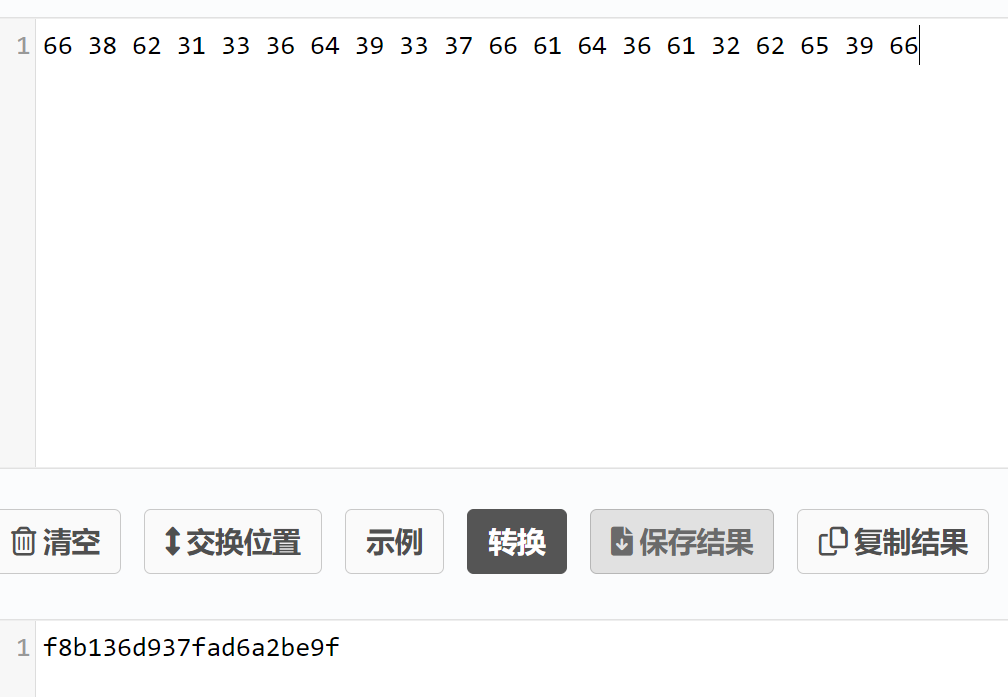
提交flag:
gatttool -b D8:BC:38:F9:72:12 --char-write-req -a 0x002c -n $(echo -n "f8b136d937fad6a2be9f"|xxd -ps)
0x003c
Take a look at handle 0x003c and do what it says. You should script up a solution for this one. Also keep in mind that some tools write faster than others.读取0x003c句柄:
gatttool -b D8:BC:38:F9:72:12 --char-read -a 0x003c
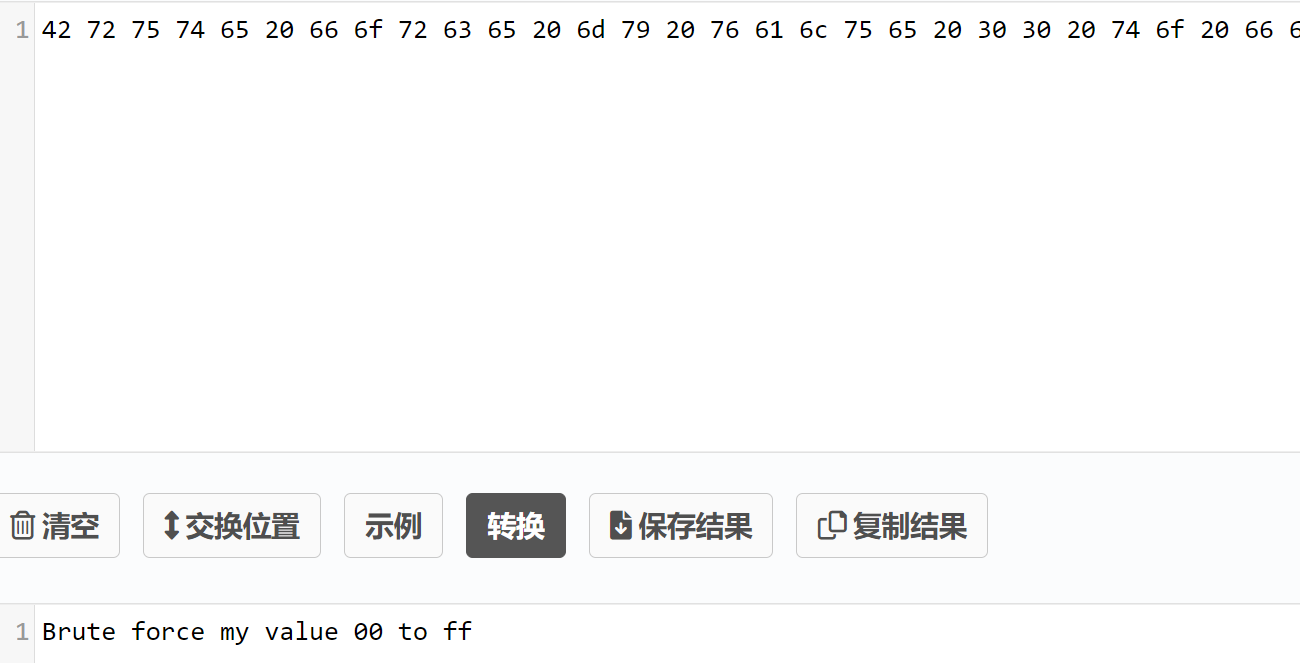
需要我们从00爆破到ff:
import subprocess
import time

for i in range(256):
    x = format(i, '02x')  # 将整数 i 格式化为两位的十六进制字符串
    payload = "gatttool -b D8:BC:38:F9:72:12 --char-write-req -a 0x003c -n " + x
    print(payload)
    subprocess.run(payload, shell=True)
    time.sleep(0.5)
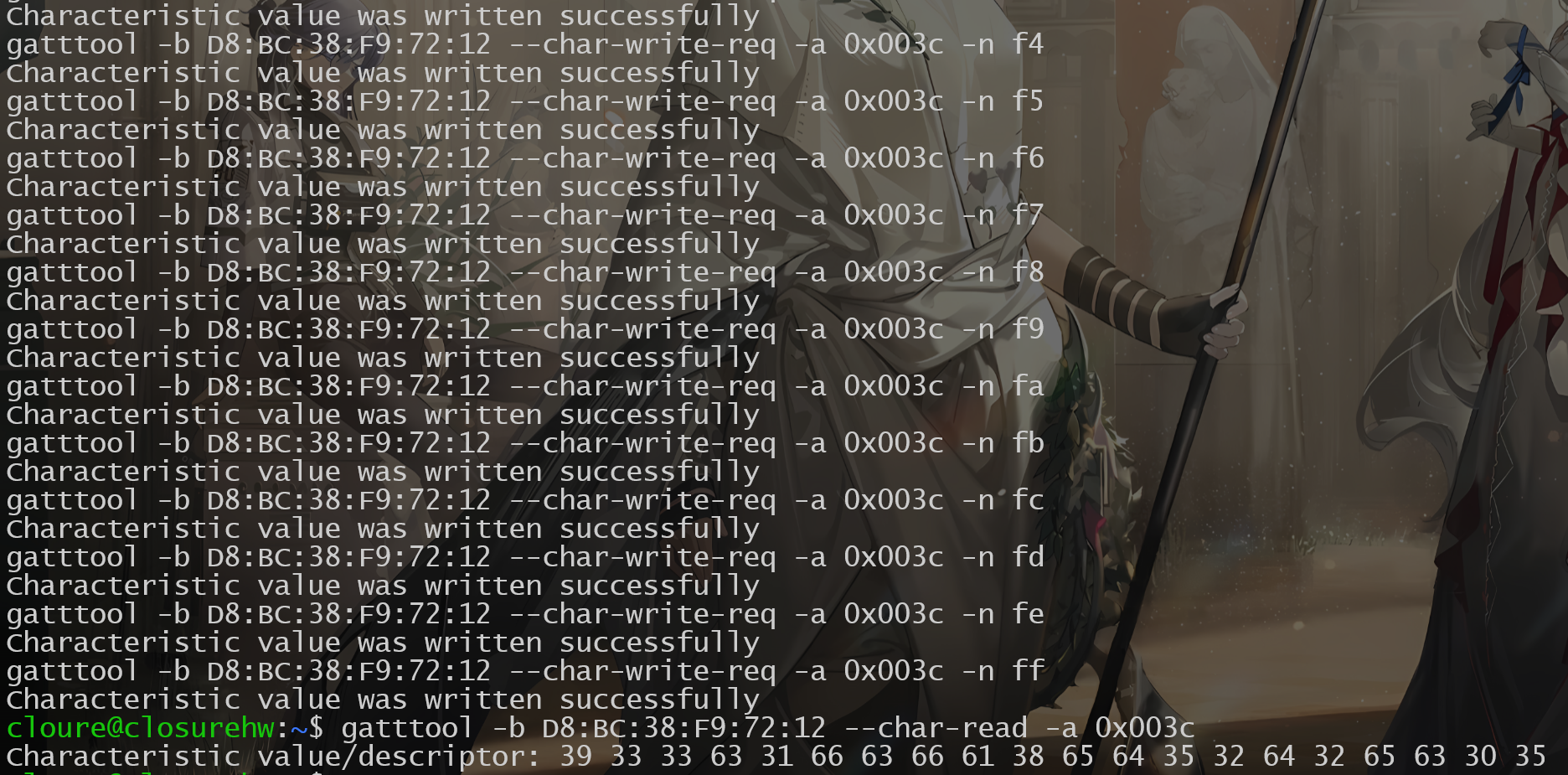
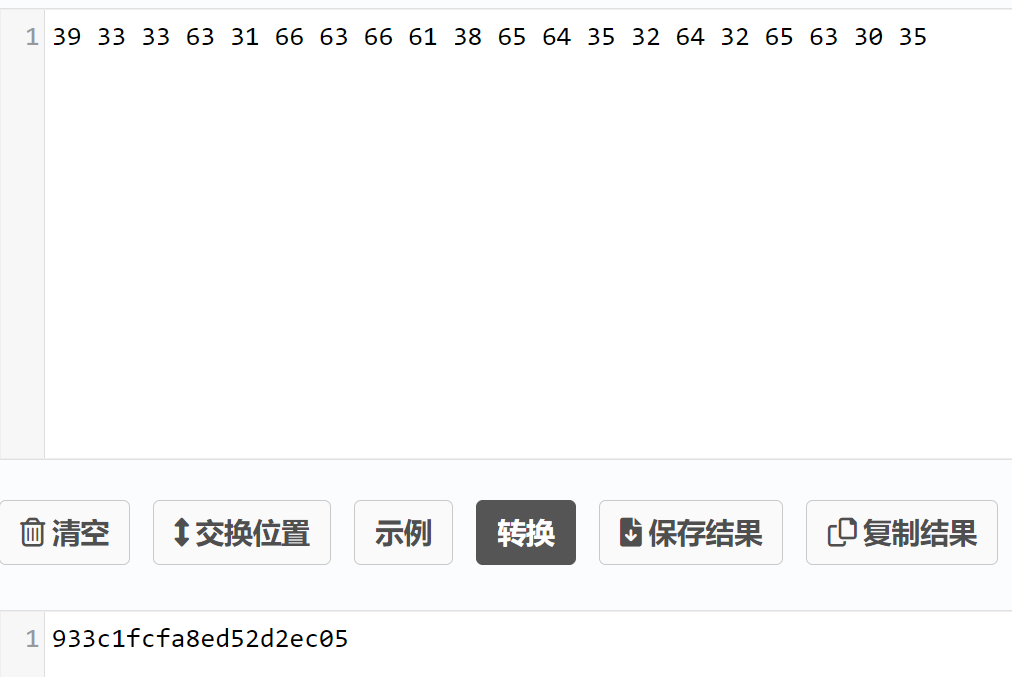
些许等待后:
提交flag:
gatttool -b D8:BC:38:F9:72:12 --char-write-req -a 0x002c -n $(echo -n "933c1fcfa8ed52d2ec05"|xxd -ps)
0x003e
Talke a look at handle 0x003e and do what it says. Keep in mind that some tools have better connection speeds than other for doing reads and writes. This has to do with the functionality the tool provides or how it uses cached BT connections on the host OS. Try testing different tools for this flag. Once you find the fastest one, whip up a script or bash 1 liner to complete the task. FYI, once running, this task takes roughly 90 seconds to complete if done right.读取0x003e句柄:
gatttool -b D8:BC:38:F9:72:12 --char-read -a 0x003e
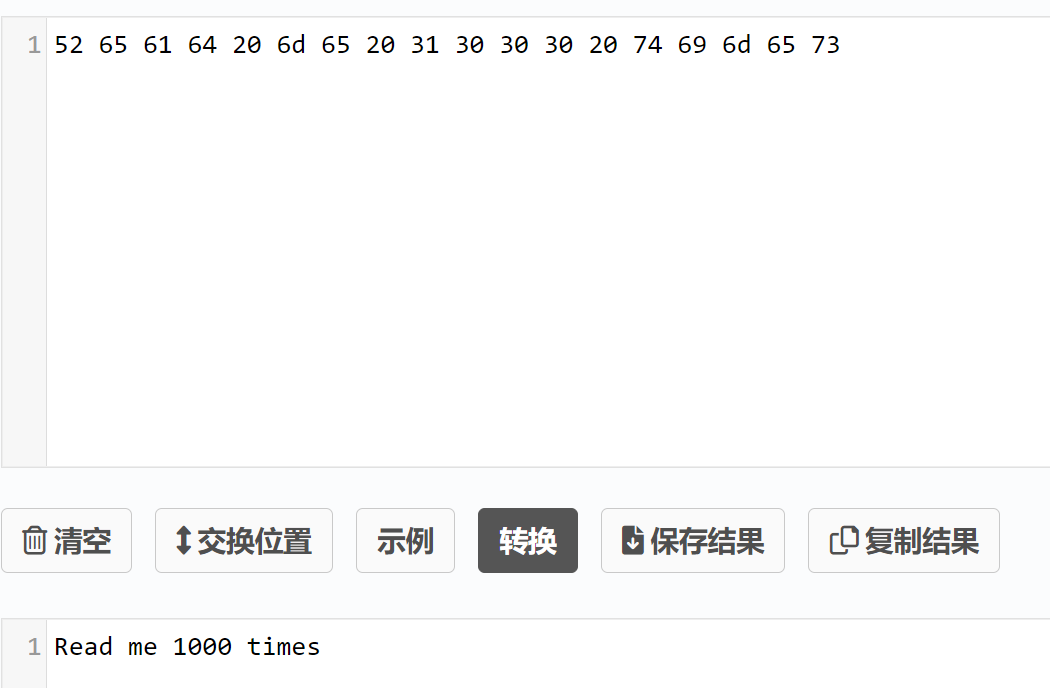
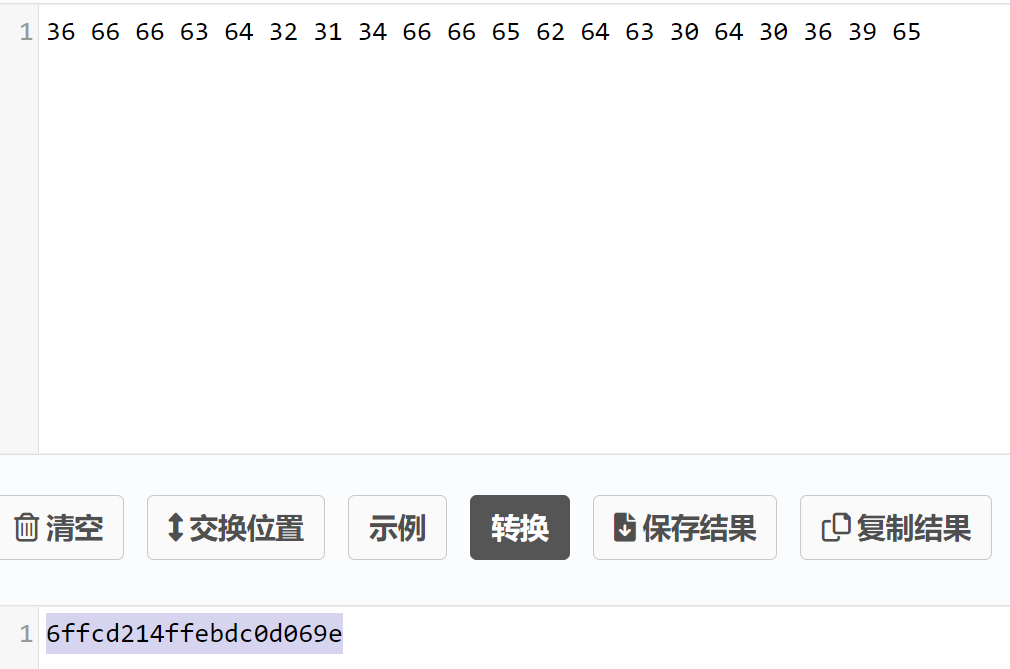
需要我们读1000遍,一样写个python执行下:
import subprocess
import time

for i in range(1001):
    payload = "gatttool -b D8:BC:38:F9:72:12 --char-read -a 0x003e"
    print(payload)
    subprocess.run(payload, shell=True)
    time.sleep(0.1)
提交flag:
gatttool -b D8:BC:38:F9:72:12 --char-write-req -a 0x002c -n $(echo -n "6ffcd214ffebdc0d069e"|xxd -ps)
0x0040
Check out handle 0x0040 and google search gatt notify. Some tools like gatttool have the ability to subscribe to gatt notifications读取0x0040句柄:
gatttool -b D8:BC:38:F9:72:12 --char-read -a 0x0040
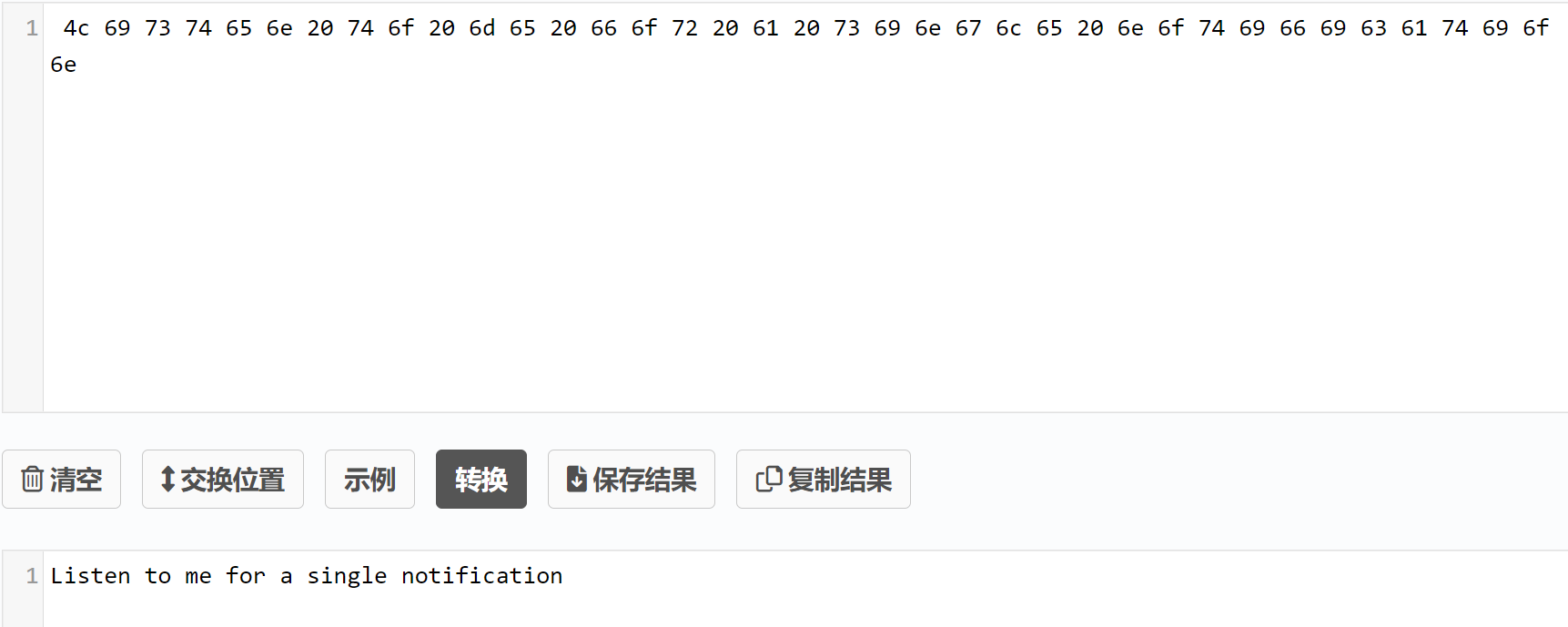
需要我们通过gatttool监听从蓝牙发送过来的通知(notification)数据:
gatttool -b D8:BC:38:F9:72:12 --char-write-req -a 0x0040 -n 00 --listen
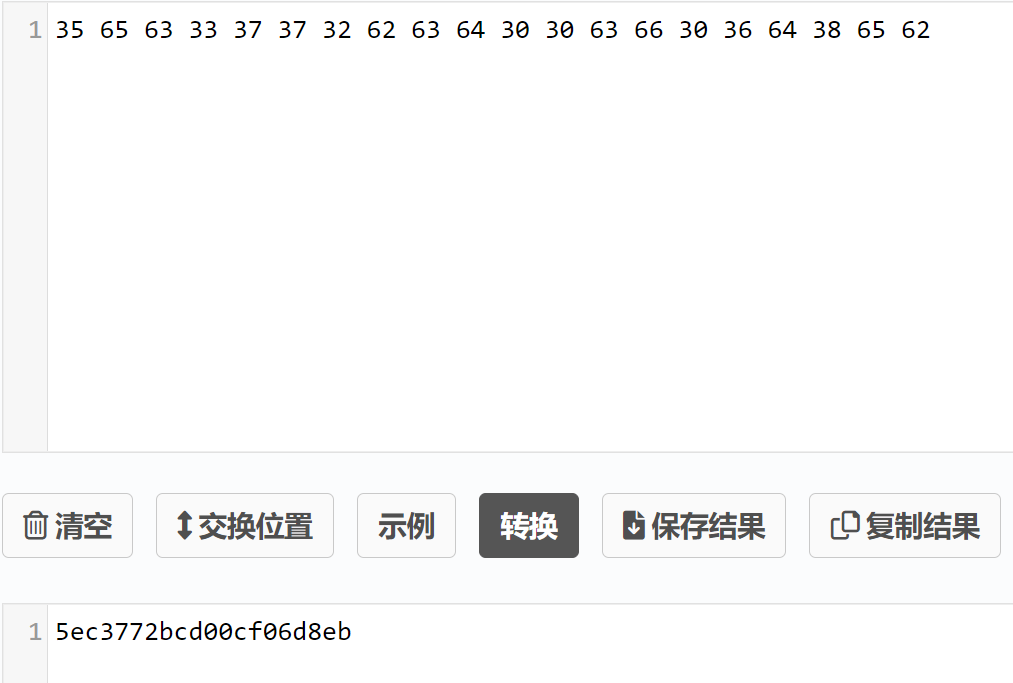
提交flag:
gatttool -b D8:BC:38:F9:72:12 --char-write-req -a 0x002c -n $(echo -n "5ec3772bcd00cf06d8eb"|xxd -ps)
0x0042
Check out handle 0x0042 and google search gatt indicate. For single response indicate messages, like this challenge, tools such as gatttool will work just fine.读取0x0042句柄:
gatttool -b D8:BC:38:F9:72:12 --char-read -a 0x0042
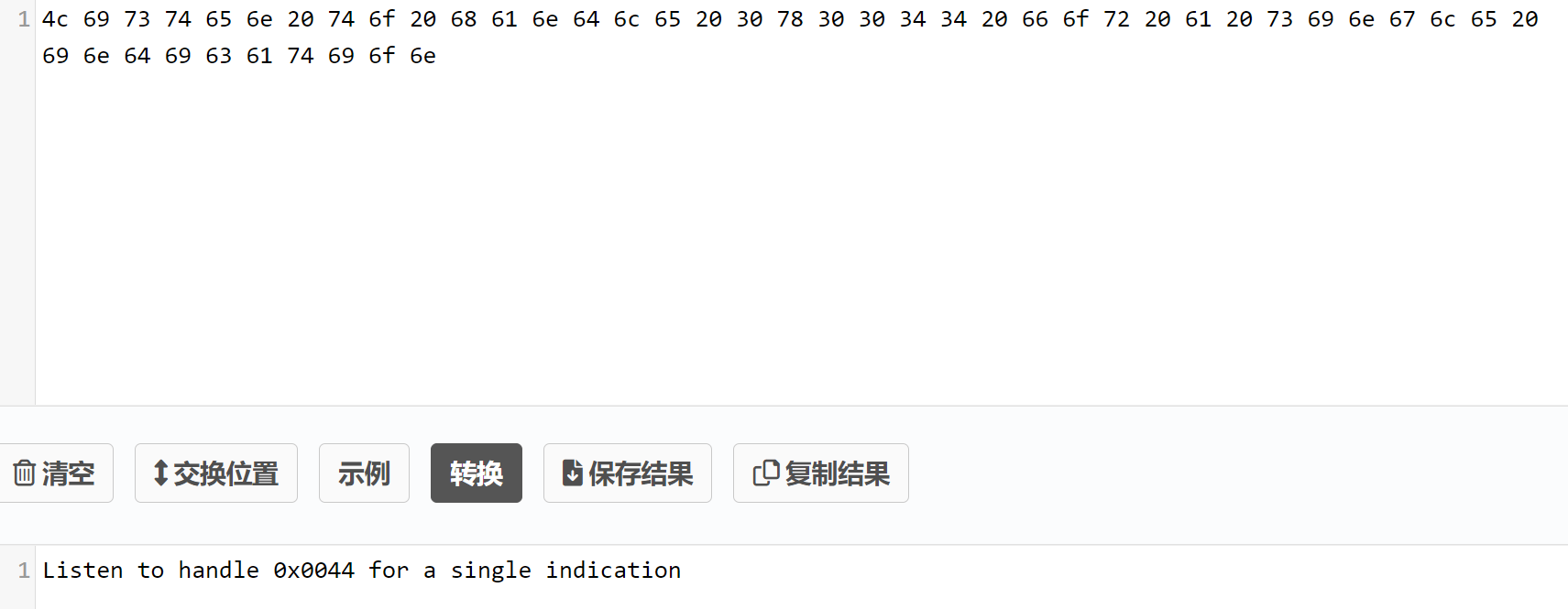
监听0x0044句柄:
gatttool -b D8:BC:38:F9:72:12 --char-write-req -a 0x0044 -n 00 --listen
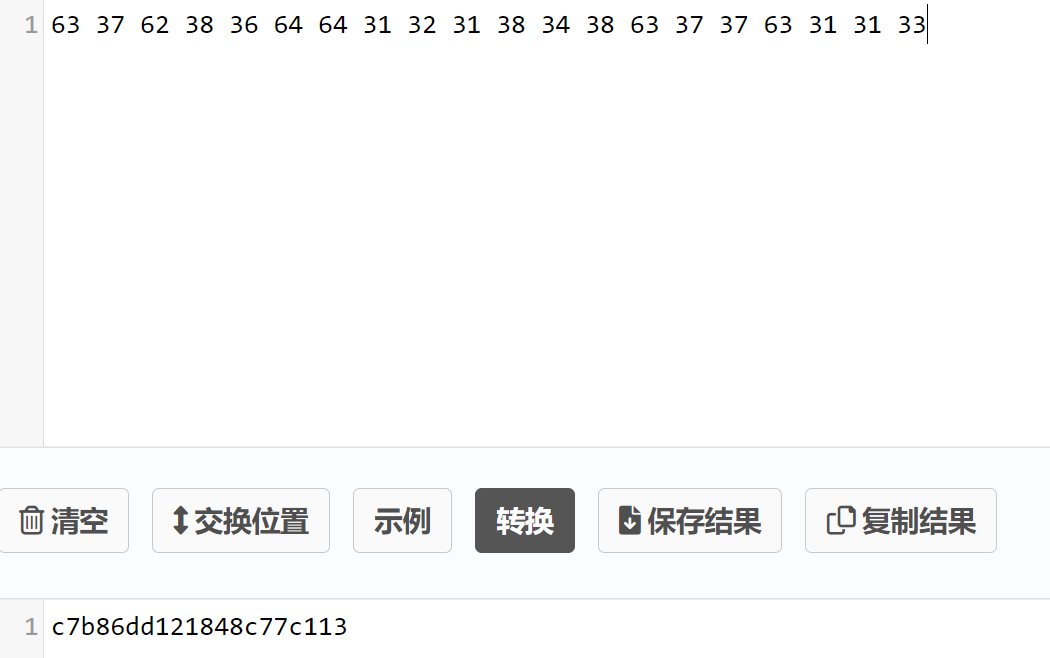
提交flag:
gatttool -b D8:BC:38:F9:72:12 --char-write-req -a 0x002c -n $(echo -n "c7b86dd121848c77c113"|xxd -ps)
0x0046
Check out handle 0x0046 and do what it says. Keep in mind that this notification clallange requires you to recieve multiple responses in order to complete.读取0x0046句柄:
gatttool -b D8:BC:38:F9:72:12 --char-read -a 0x0046
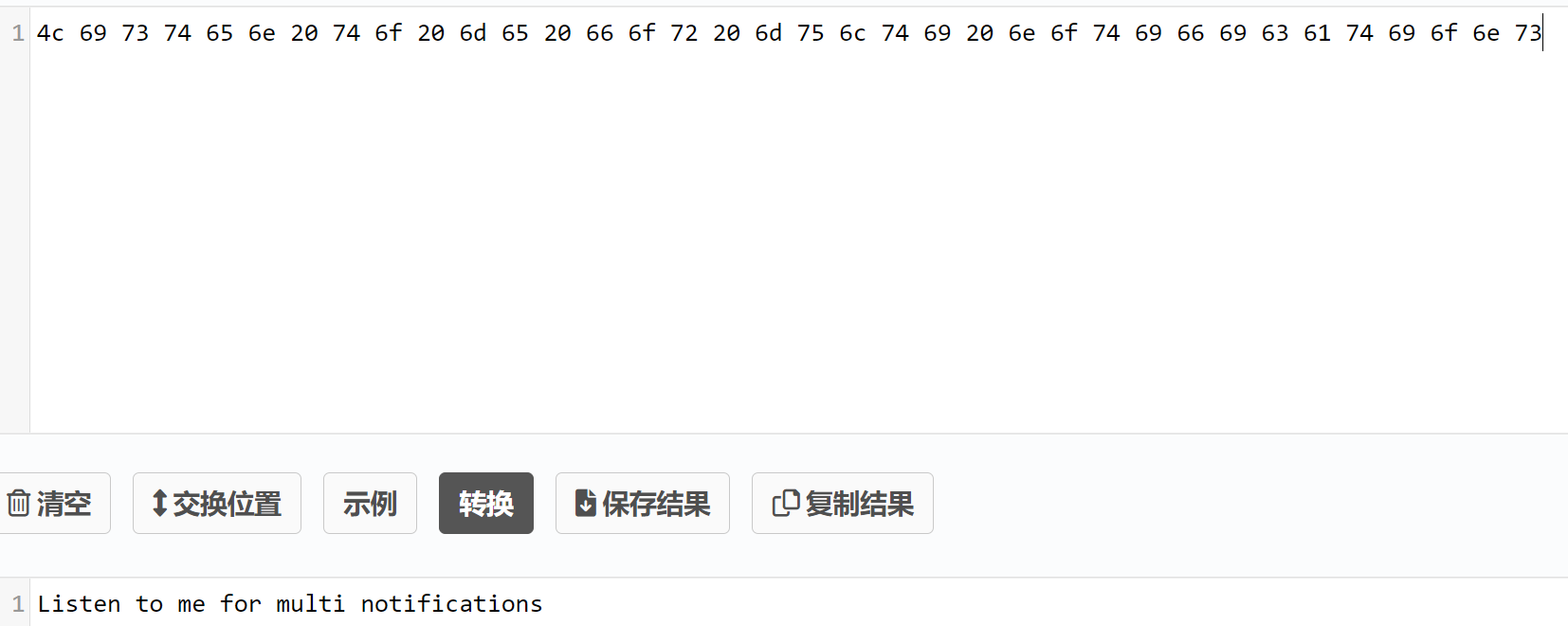
一样需要监听,不同的是会发送多条通知:
gatttool -b D8:BC:38:F9:72:12 --char-write-req -a 0x0046 -n 00 --listen
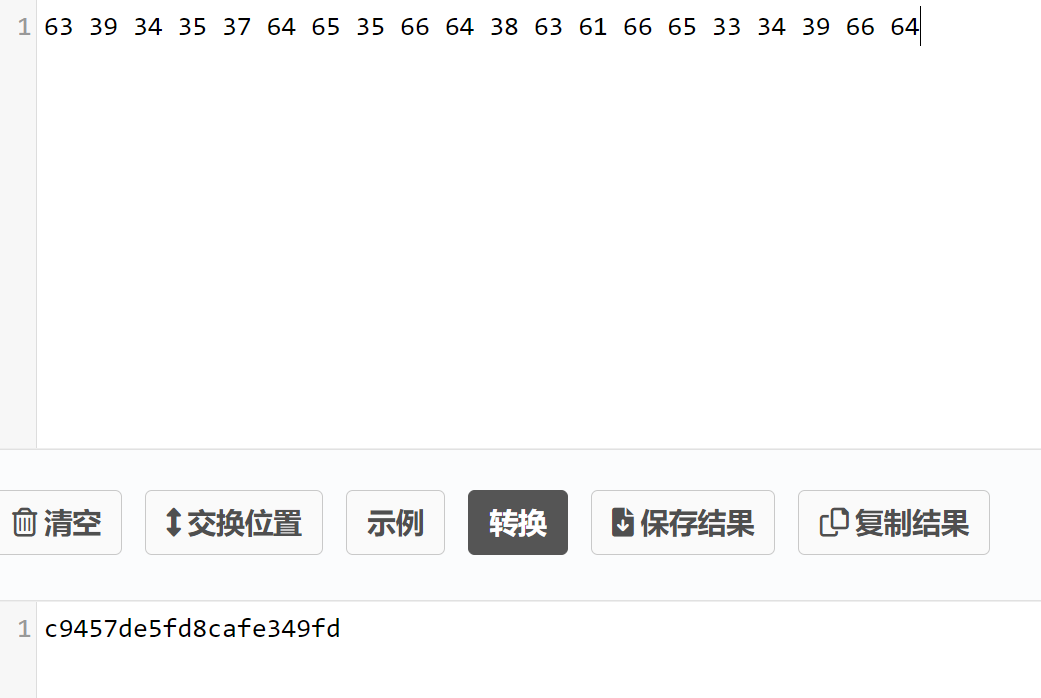
提交flag:
gatttool -b D8:BC:38:F9:72:12 --char-write-req -a 0x002c -n $(echo -n "c9457de5fd8cafe349fd"|xxd -ps)
0x0048
Check out handle 0x0048 and google search gatt indicate. Keep in mind that this chalange will require you to parse multiple indicate responses in order to complete the chalange.读取0x0048句柄(原文估计写错了):
gatttool -b D8:BC:38:F9:72:12 --char-read -a 0x0048
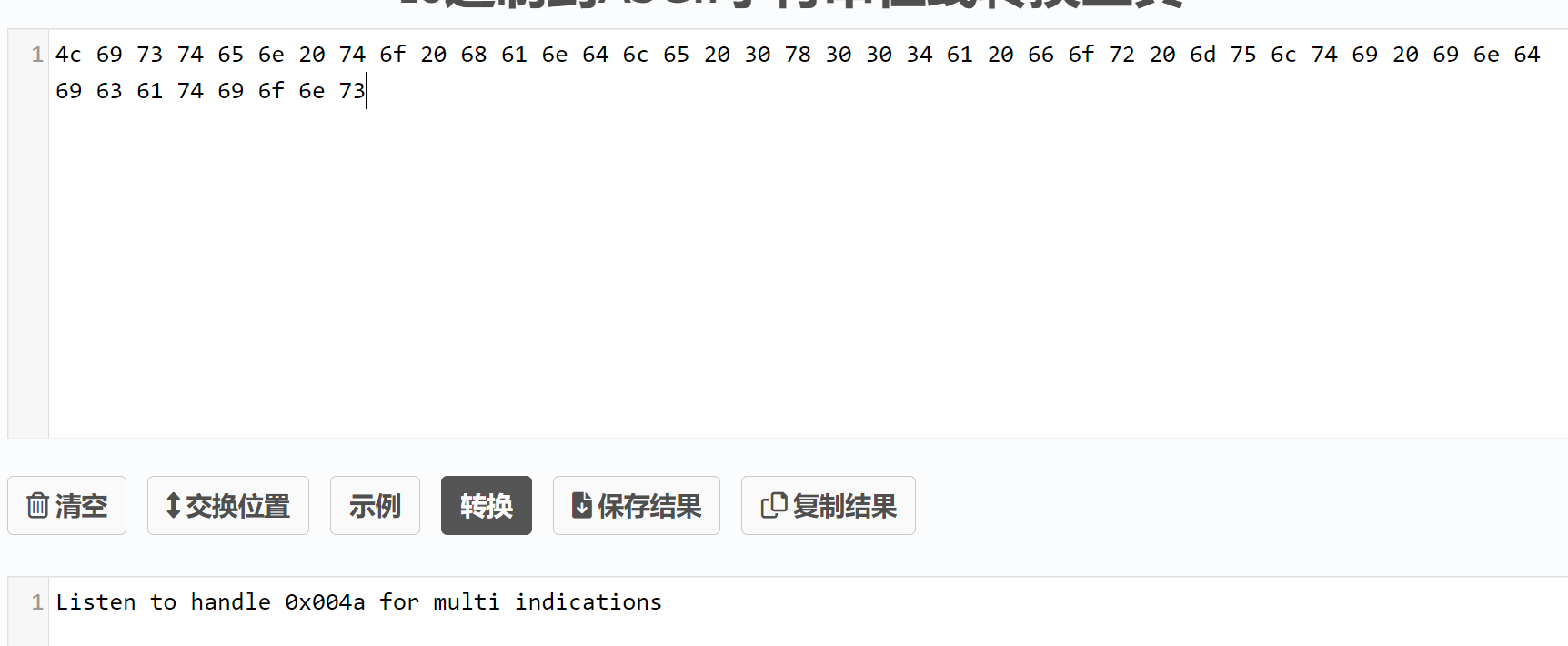
需要监听0x004a句柄:
gatttool -b D8:BC:38:F9:72:12 --char-write-req -a 0x004a -n 00 --listen
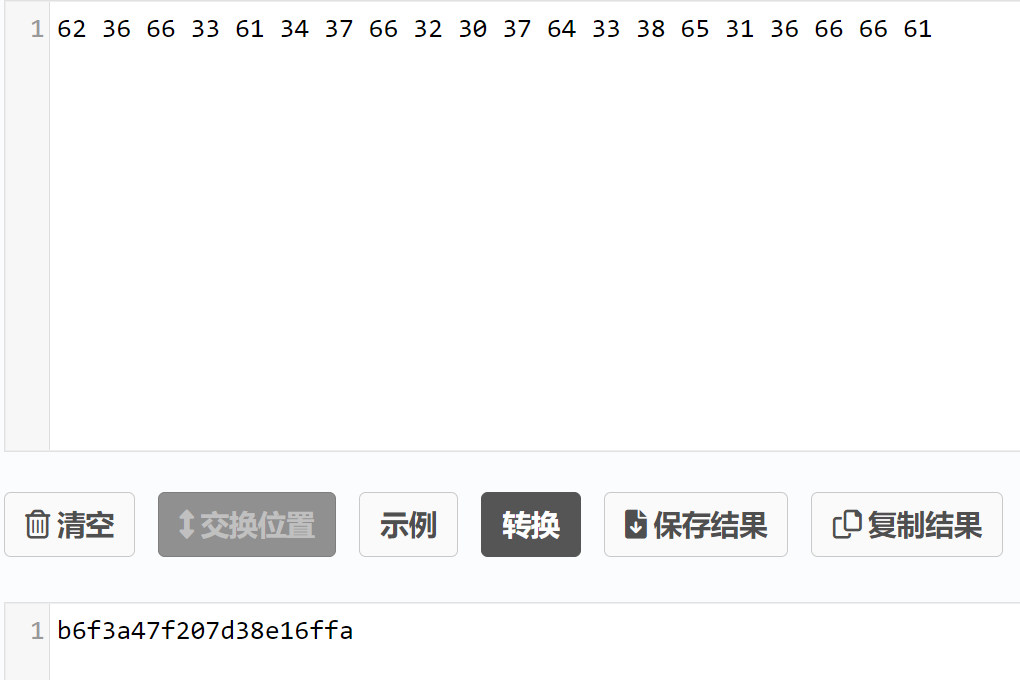
提交flag:
gatttool -b D8:BC:38:F9:72:12 --char-write-req -a 0x002c -n $(echo -n "b6f3a47f207d38e16ffa"|xxd -ps)
0x004c
Check out handle 0x004c and do what it says. Much like ethernet or wifi devices, you can also change your bluetooth devices mac address.读取0x004c句柄:
gatttool -b D8:BC:38:F9:72:12 --char-read -a 0x004c
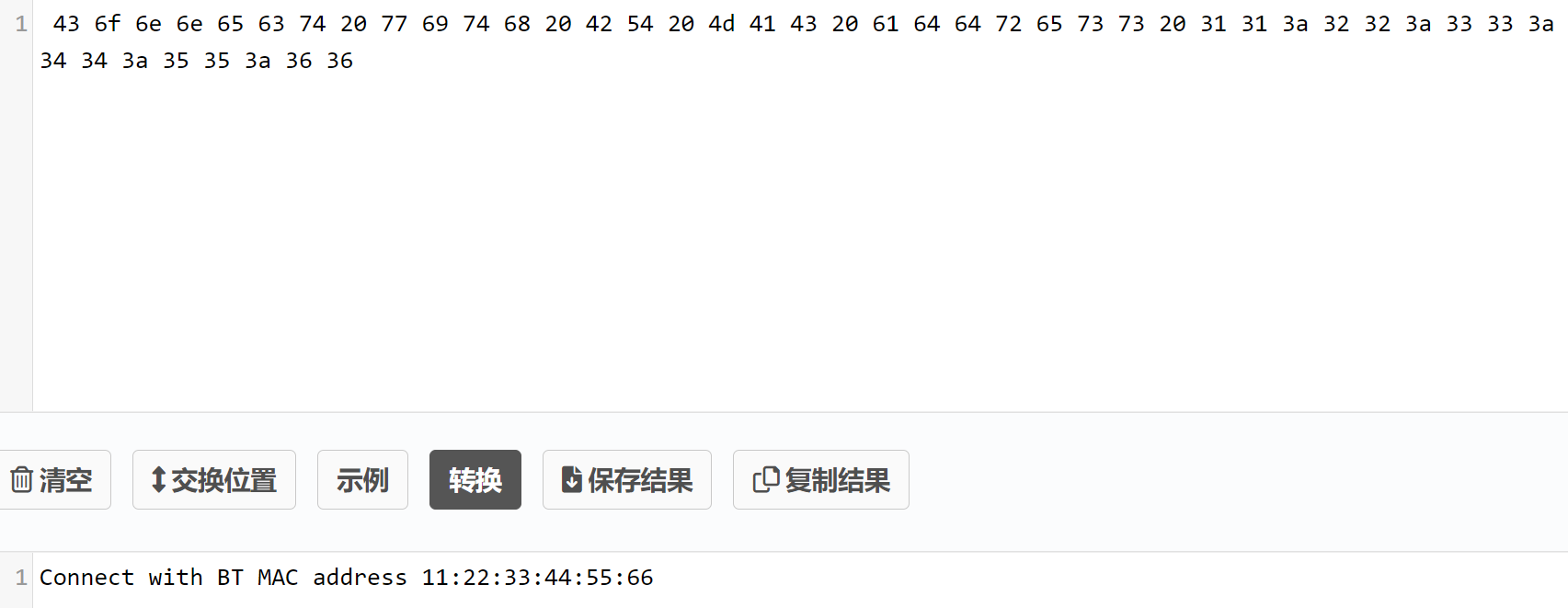
需要我们修改本地连接设备的MAC地址为11:22:33:44:55:66去连接目标设备==》也就是修改hci0:

通过bdaddr修改:
#安装
git clone https://github.com/thxomas/bdaddr.git
sudo apt-get install libbluetooth-dev
cd bdaddr
make

#修改
sudo ./tools/bdaddr/bdaddr -t -i hci0 11:22:33:44:55:66
失败

暂时先提交上flag,等后续试试能不能解决
gatttool -b D8:BC:38:F9:72:12 --char-write-req -a 0x002c -n $(echo -n "aca16920583e42bdcf5f"|xxd -ps)
0x004e
Read handle 0x004e and do what it says. Setting MTU can be a tricky thing. Some tools may provide mtu flags, but they dont seem to really trigger MTU negotiations on servers. Try using gatttool's interactive mode for this task. By default, the BLECTF server is set to force an MTU size of 20. The server will listen for MTU negotiations, and look at them, but we dont really change the MTU in the code. We just trigger the flag code if you trigger an MTU event with the value specified in handle 0x0048. GLHF!读取0x004e:
gatttool -b D8:BC:38:F9:72:12 --char-read -a 0x004e
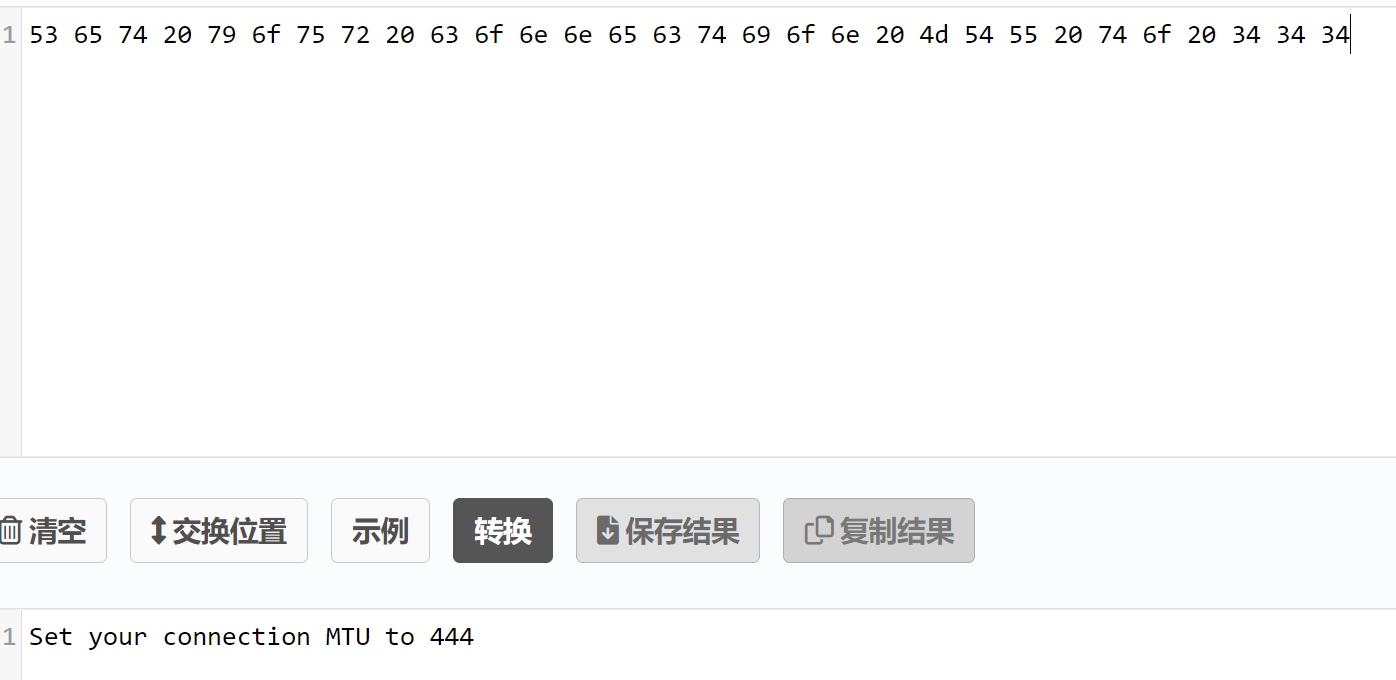
这里需要用到gatttool的交互模式才能指定MTU的大小:命令行中的-m参数并不具备此功能
gatttool -b D8:BC:38:F9:72:12 -I
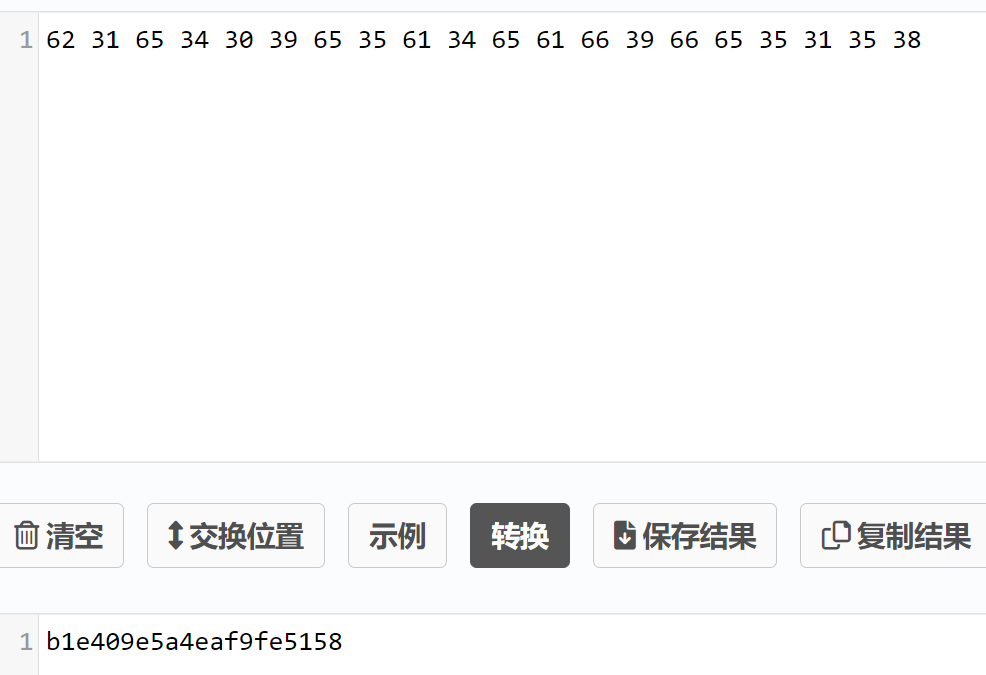
提交flag:
gatttool -b D8:BC:38:F9:72:12 --char-write-req -a 0x002c -n $(echo -n "b1e409e5a4eaf9fe5158"|xxd -ps)
0x0050
Check out handle 0x0050 and do what it says. This chalange differs from other write chalanges as your tool that does the write needs to have write response ack messages implemente correctly. This flag is also tricky as the flag will come back as notification response data even though there is no "NOTIFY" property.读取0x0050句柄:
gatttool -b D8:BC:38:F9:72:12 --char-read -a 0x0050
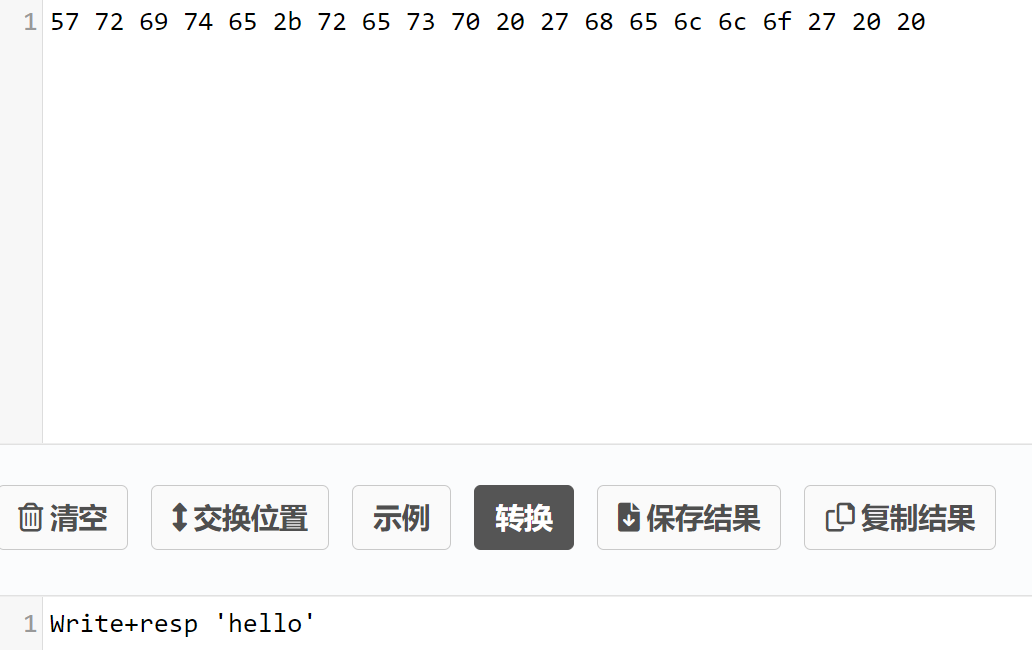
需要写入一个’hello’:
gatttool -b D8:BC:38:F9:72:12 --char-write-req -a 0x0050 -n $(echo -n "hello"|xxd -ps)
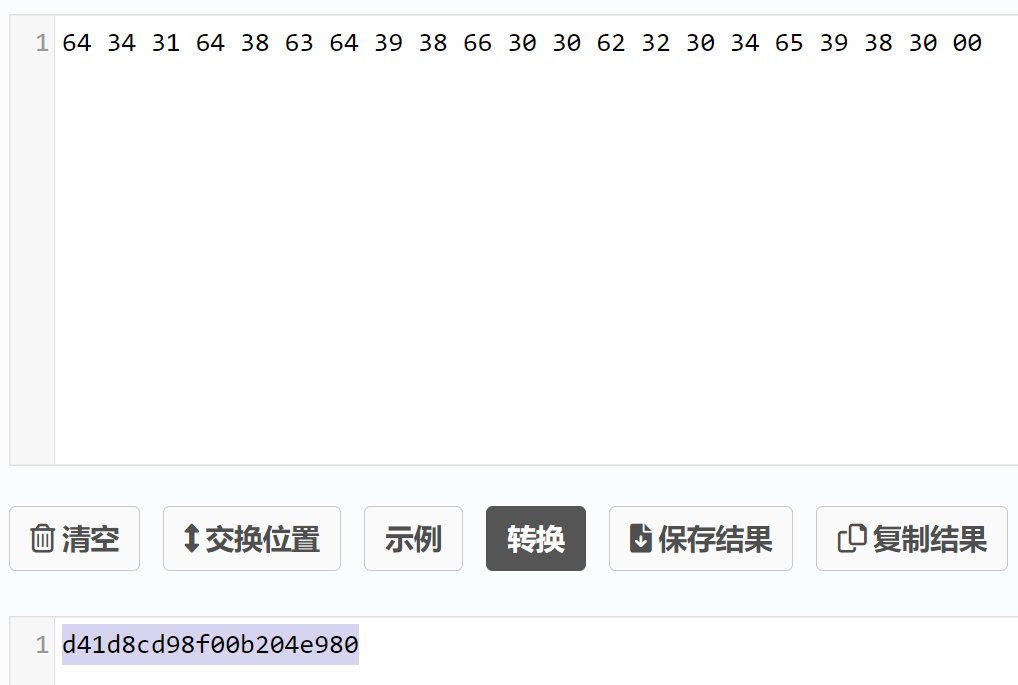
提交flag:
gatttool -b D8:BC:38:F9:72:12 --char-write-req -a 0x002c -n $(echo -n "d41d8cd98f00b204e980"|xxd -ps)
0x0052
Take a look at handle 0x0052. Notice it does not have a notify property. Do a write here and listen for notifications anyways! Things are not always what they seem!读取0x0052句柄:
gatttool -b D8:BC:38:F9:72:12 --char-read -a 0x0052
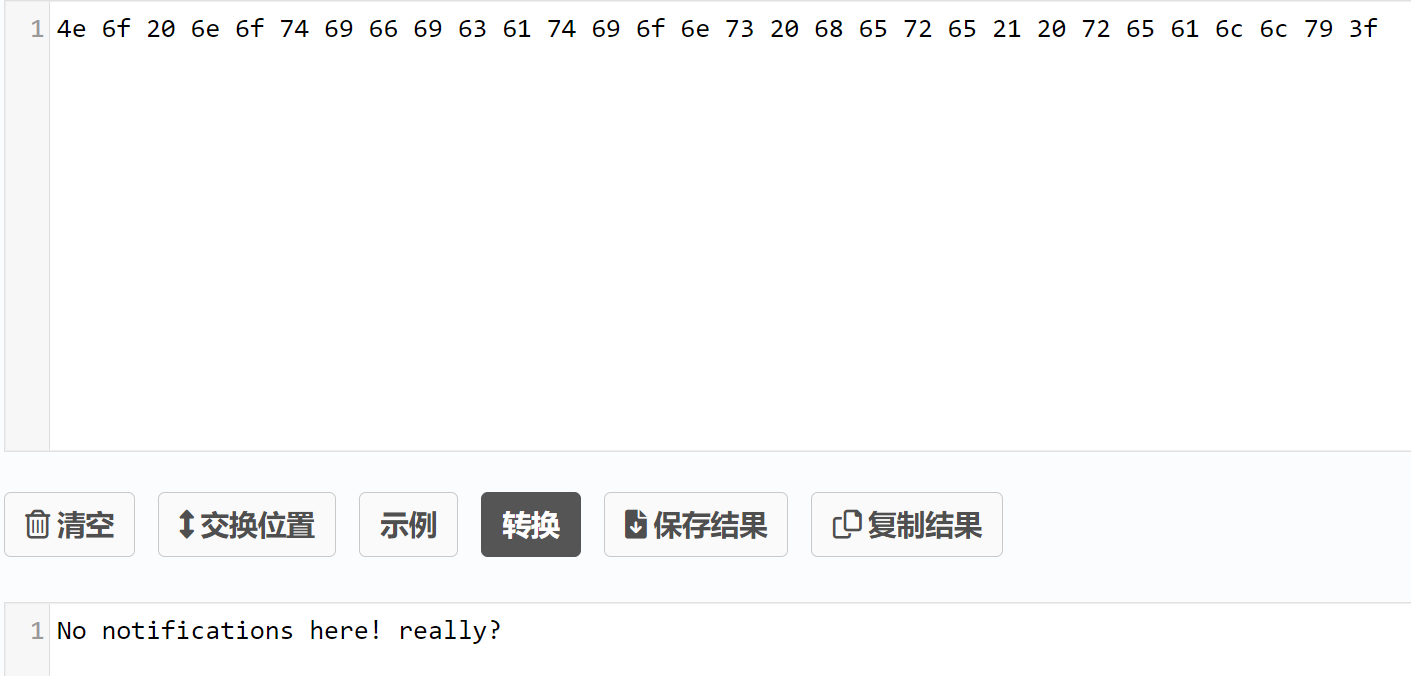
根据提供消息说是没用通知==》监听一下试试:
gatttool -b D8:BC:38:F9:72:12 --char-write-req -a 0x0052 -n 00 --listen
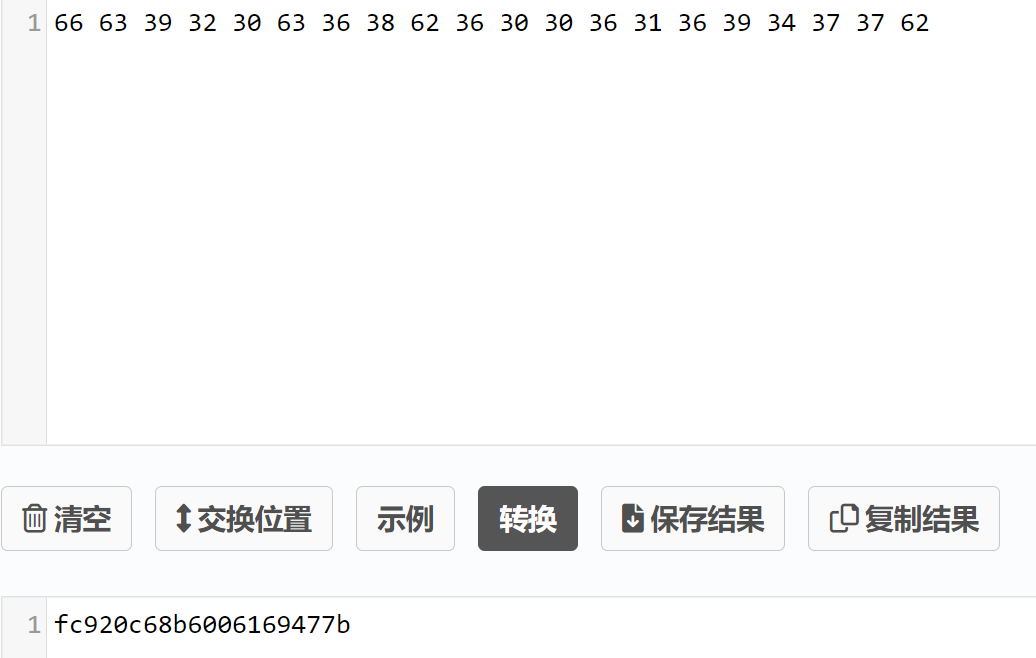
直接就是flag了。。
gatttool -b D8:BC:38:F9:72:12 --char-write-req -a 0x002c -n $(echo -n "fc920c68b6006169477b"|xxd -ps)
0x0054
Check out all of the handle properties on 0x0054! Poke around with all of them and find pieces to your flag.读取0x0054句柄:
gatttool -b D8:BC:38:F9:72:12 --char-read -a 0x0054
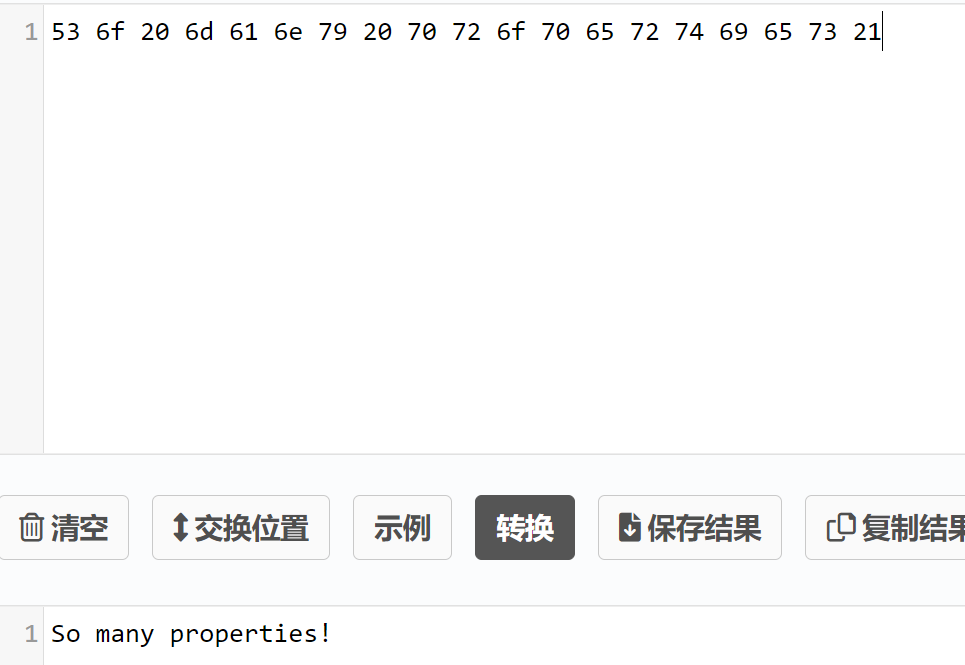
需要我们既要读又要写还要监听==》
直接读的话又是提示信息,所以先写
gatttool -b D8:BC:38:F9:72:12 --char-write-req -a 0x0054 -n $(echo -n "Closure"|xxd -ps)

gatttool -b D8:BC:38:F9:72:12 --char-read -a 0x0054
监听==》
gatttool -b D8:BC:38:F9:72:12 --char-write-req -a 0x0054 -n 00 --listen
将两部分拼接一下提交试试:
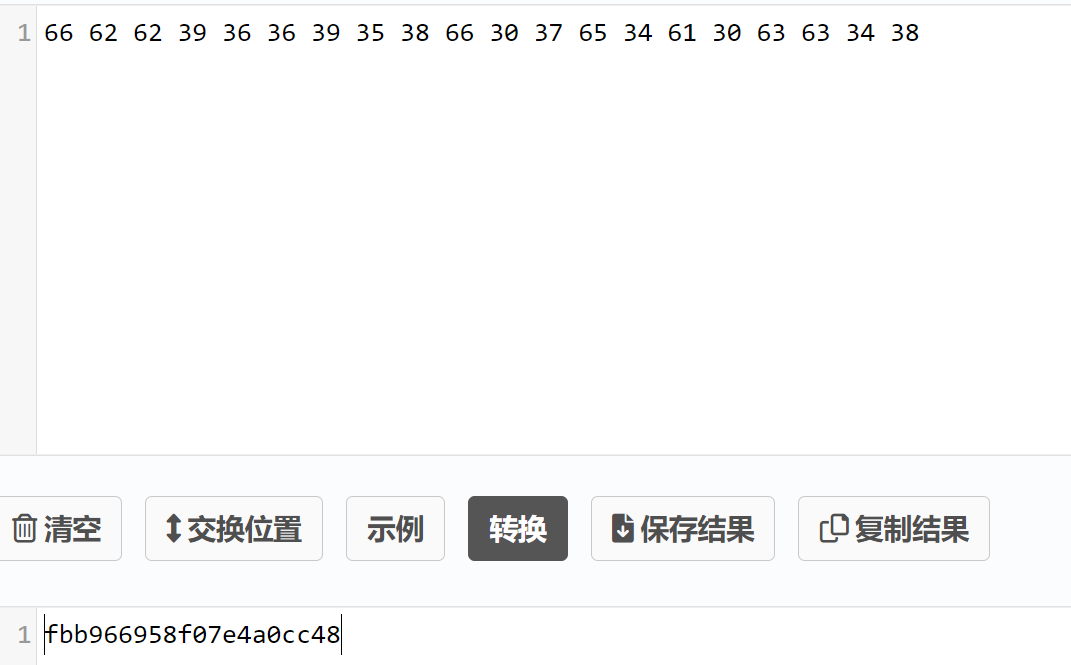
gatttool -b D8:BC:38:F9:72:12 --char-write-req -a 0x002c -n $(echo -n "fbb966958f07e4a0cc48"|xxd -ps)
0x0056
Figure out the authors twitter handle and do what 0x0056 tells you to do!读取0x0056句柄:
gatttool -b D8:BC:38:F9:72:12 --char-read -a 0x0056
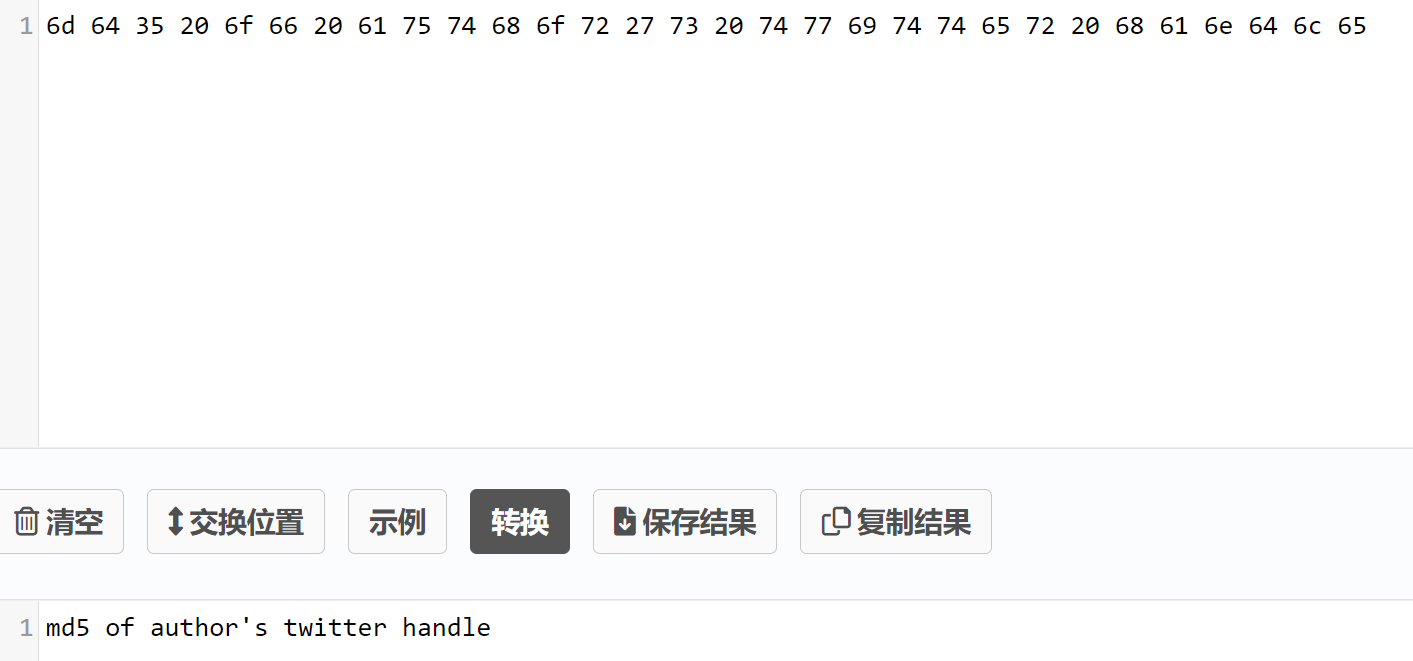
作者的MD5,在README文件最上方就有:
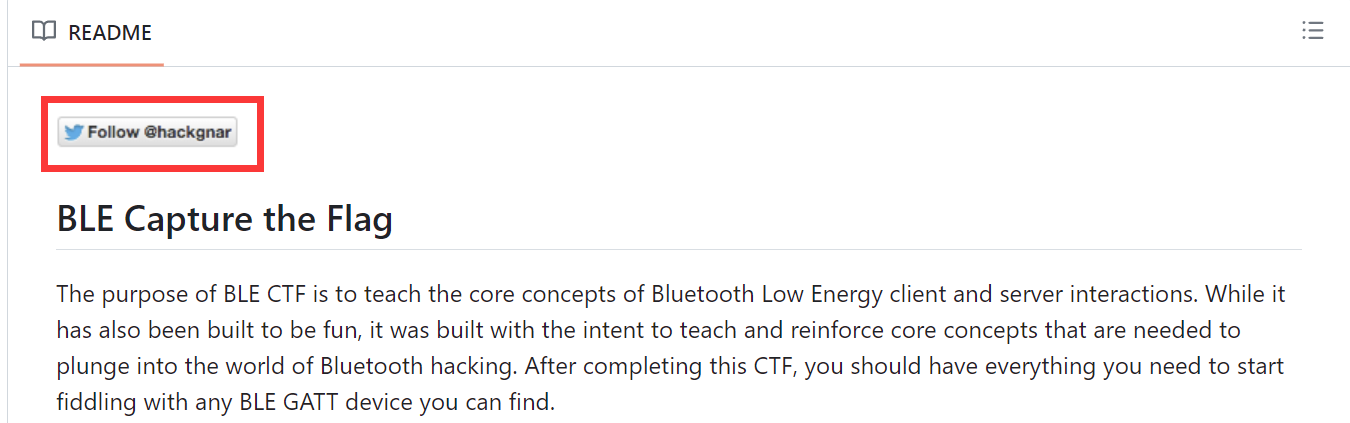

截取前20字节提交:
gatttool -b D8:BC:38:F9:72:12 --char-write-req -a 0x002c -n $(echo -n "d953bfb9846acc2e15ee"|xxd -ps)
结束结束